How to Pick a Shopify Theme for an Electronics Store

Most Shopify themes for electronics stores look alike in the demo: a dark hero image, a product on a gradient, a big headline. What separates them is how they handle a catalog where shoppers compare specs, filter by compatibility and check stock before they buy. This guide lists the features an electronics store needs, checks what a free theme covers, and compares free and paid themes against the same criteria.
Disclosure: Xotiny makes one of the themes compared below (Futurer). It is judged on the same criteria as the others, and it has a "skip it if" line like every entry.
A theme controls how your collections and product pages look, and which sections and blocks you can add without code. A section is a full-width part of a page, such as a banner; a block is a smaller piece inside it, such as a heading or a spec table. For electronics, look for these features on the Theme Store listing:
You will not need all seven. Pick the three or four that matter for your catalog and filter on those.
Whatever theme you choose, store specs in metafields rather than typing them into the description. Shopify describes metafields as a way to "extend an existing platform data model, such as products". When you assign a product category, Shopify adds category metafields for that category's attributes.
If your theme supports dynamic sources, you can connect most metafields to a block in the theme editor without code. That means a spec table that updates itself, and filters built from the same data. Check that the theme you try lets you place metafields where you want them on the product page.
Often, yes. Horizon (free, by Shopify) lists product filtering and sorting, enhanced search, a mega menu, quick view, a stock counter, a back-in-stock alert, cross-selling and EU translations. For a store with a few dozen products, that covers most of the list above.
What its listing does not include: product tabs and a quick order list. You can still put specs in collapsible content or the description, but a dedicated tabs block is not on the listing.
One caution: Horizon's share of positive reviews on the Theme Store is low (see its card below). Its case is features and price, not merchant satisfaction. Load a real product with a full spec sheet before you build your store on it.
The criteria: built or styled for electronics, the features above as listed on each Theme Store page, price, and how many reviews the theme has. Few reviews does not mean a bad theme, but you have less evidence from other merchants. Each card below shows the theme's current Theme Store price, rating and review count.
| Theme (preset) | Price | Filtering | Product tabs | Stock counter | Back-in-stock alert | Quick order list |
|---|---|---|---|---|---|---|
| Horizon | Free | Yes | No | Yes | Yes | No |
| Futurer (Futurer, Basser) | Paid | Yes | Yes | Yes | No | No |
| Warehouse | Paid | Yes | Yes | Yes | No | No |
| Electro | Paid | Yes | Yes | Yes | Yes | Yes |
| Impact | Paid | Yes | Yes | No | No | No |
All five list a mega menu, enhanced search and quick view. "No" means the feature is not on the theme's Theme Store page as of November 1, 2026. Paid themes are a one-time Theme Store purchase. A preset is a ready-made design inside a theme; buying the theme gives you all its presets.
Free, by Shopify
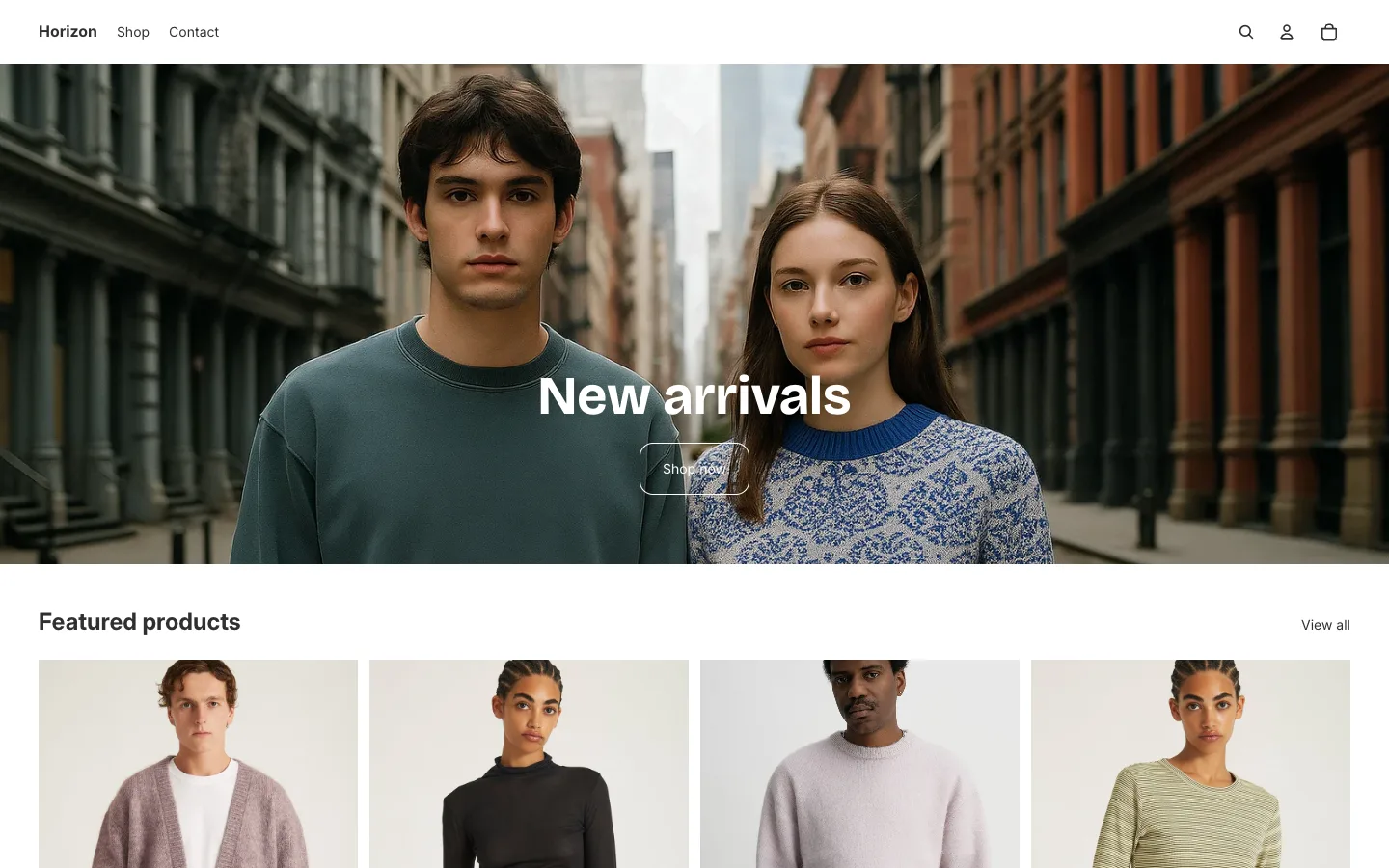
Shopify's free theme, described as "Polished design meets a clean setup". It lists most of the electronics features above, including a back-in-stock alert that some paid themes leave out. Its default demo is a clothing store, so picture your own product photos in place of the apparel.
Skip it if you want a product tabs block for specs, or you would rather pick a theme with a stronger review record.
Futurer and Basser presets
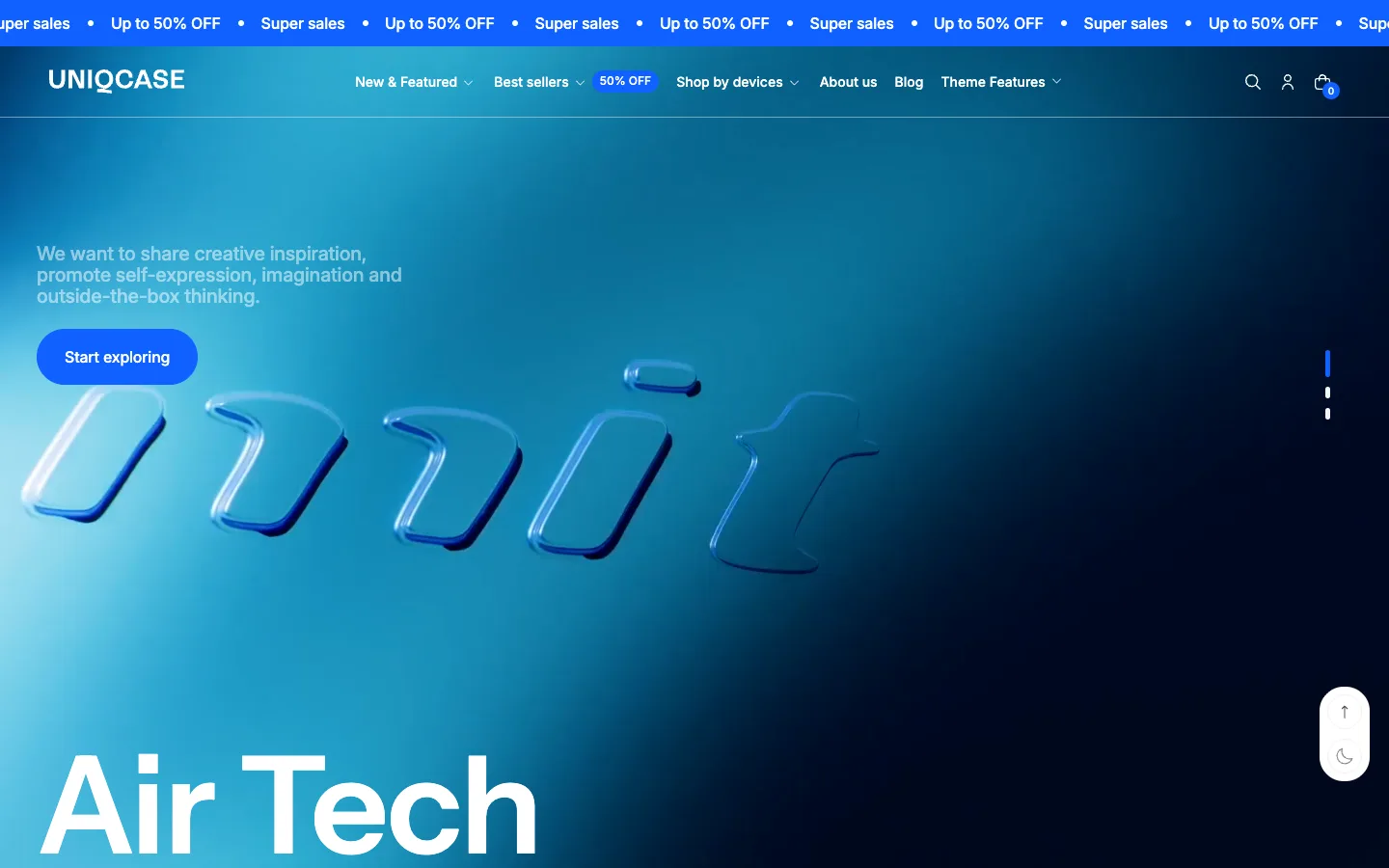
Futurer is Xotiny's most-reviewed theme, with over 50 sections. Its listing covers filtering, enhanced search, a mega menu, product tabs, a stock counter, quick view, a countdown timer, image hotspots, EU translations and combined listings for Shopify Plus.
Two presets fit electronics. The Futurer preset's demo is a device accessories store with a "Shop by devices" menu. The Basser preset is set up as a speaker shop. A preset is a starting design, not a limit: switch presets or restyle either one for any kind of electronics.
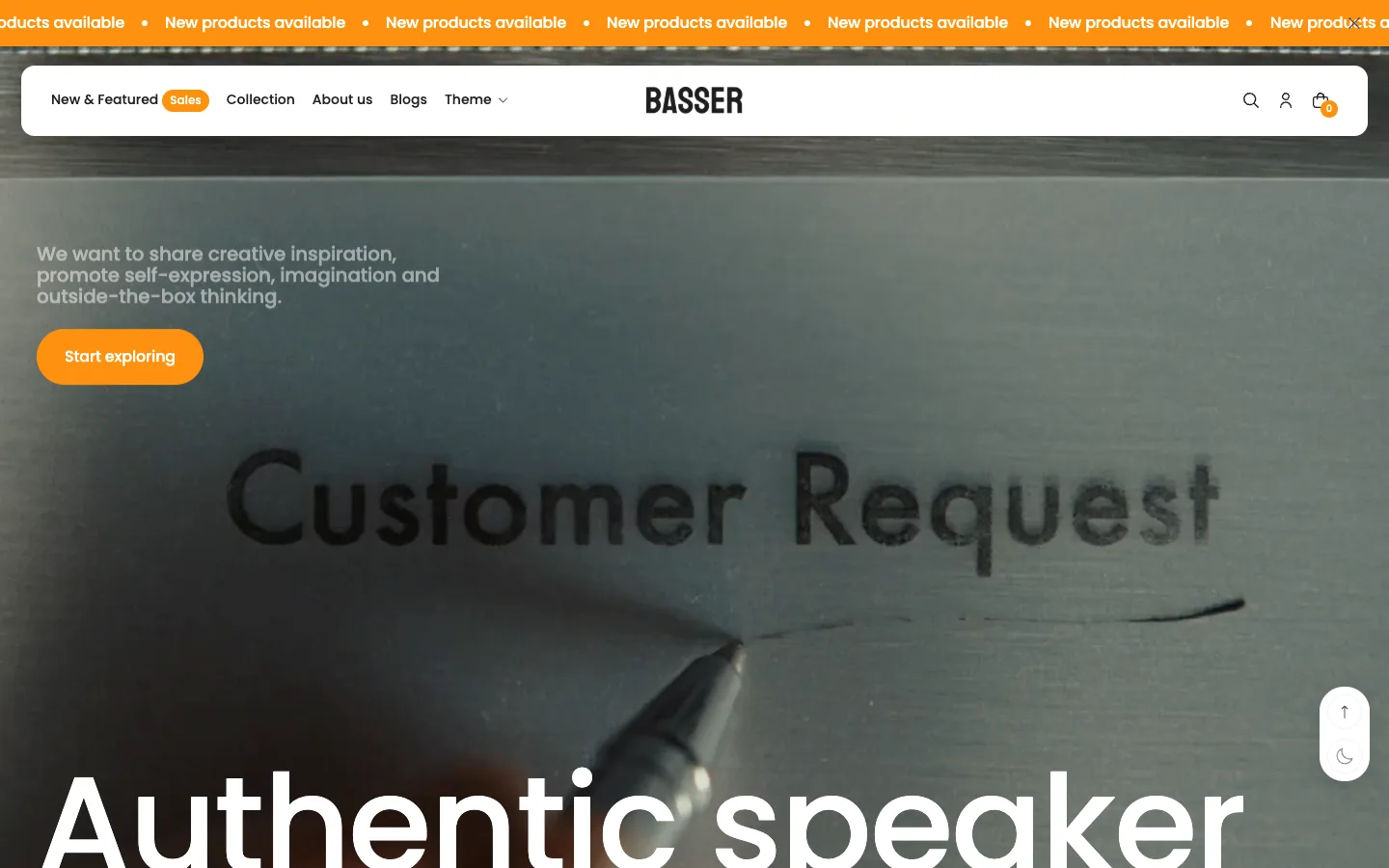
Skip it if you need a back-in-stock alert or a quick order list in the theme itself; neither is on its listing, so you would add an app.
By Maestrooo
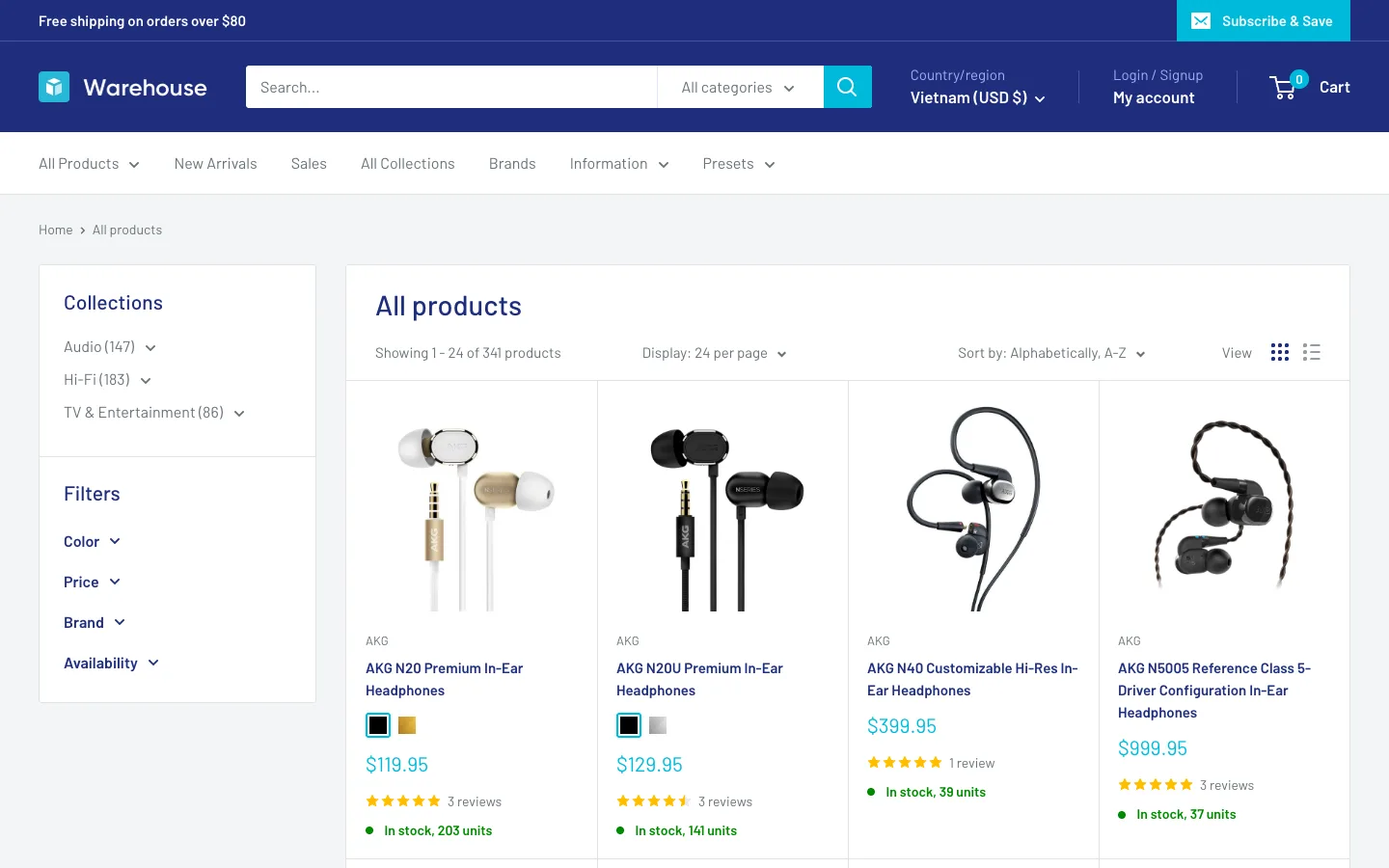
Its tagline is "Built for big catalogs and bold tech merchandising", and its listing adds collection page navigation, recently viewed products, trust badges and gift wrapping. It has the most merchant reviews of the themes here.
Skip it if you need a back-in-stock alert or a quick order list built into the theme; neither is on its listing.
By eComX, Gizmo preset
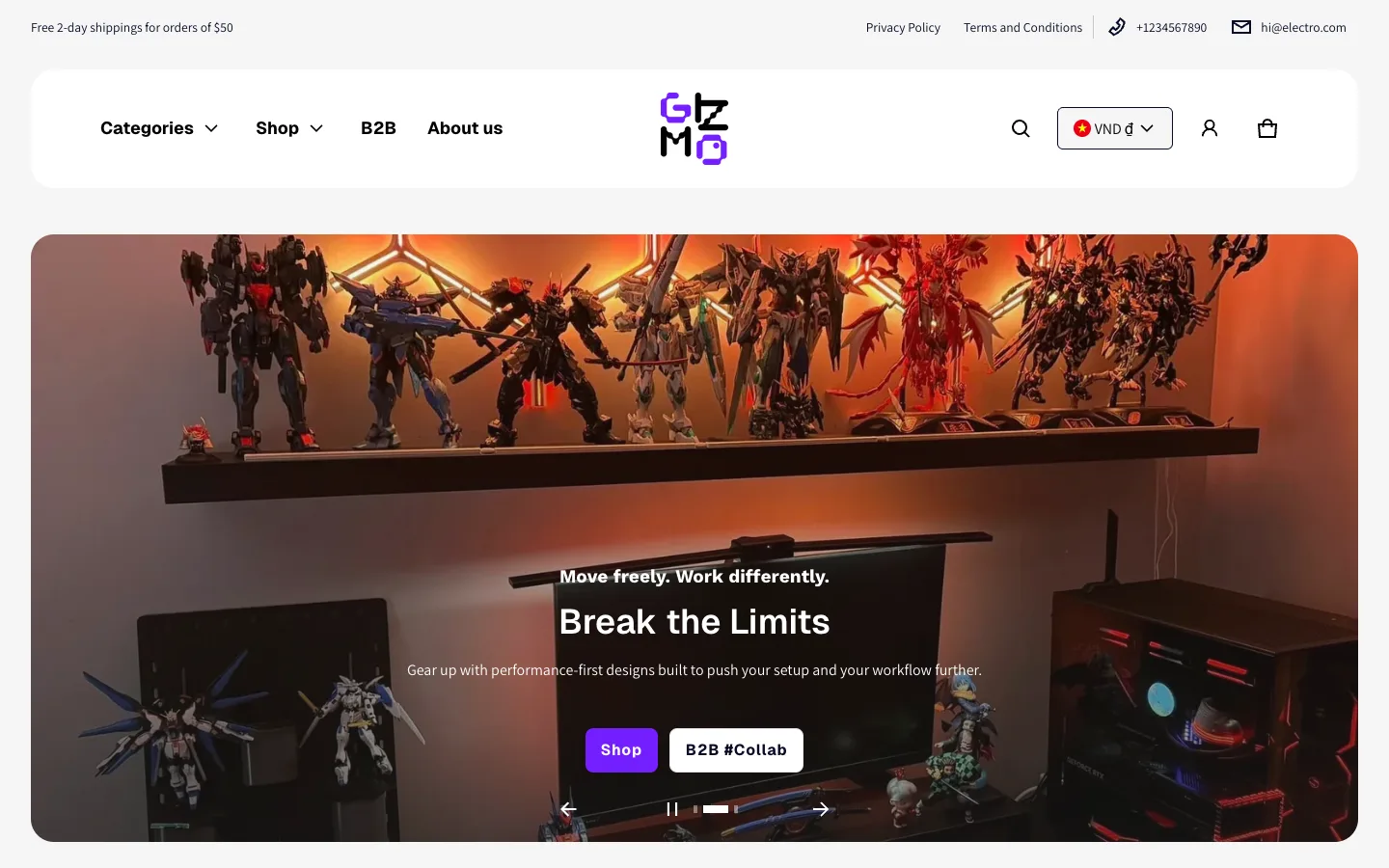
Its tagline is "Spec-first consumer electronics — compare, filter, buy." It lists every feature in the table, plus a before/after image slider, recently viewed products and trust badges. The screenshot shows its Gizmo preset, a gadget store; the theme has other presets, including an audio one.
Skip it if you sell a short catalog and will not use most of those features; you would be paying for them anyway.
By Maestrooo
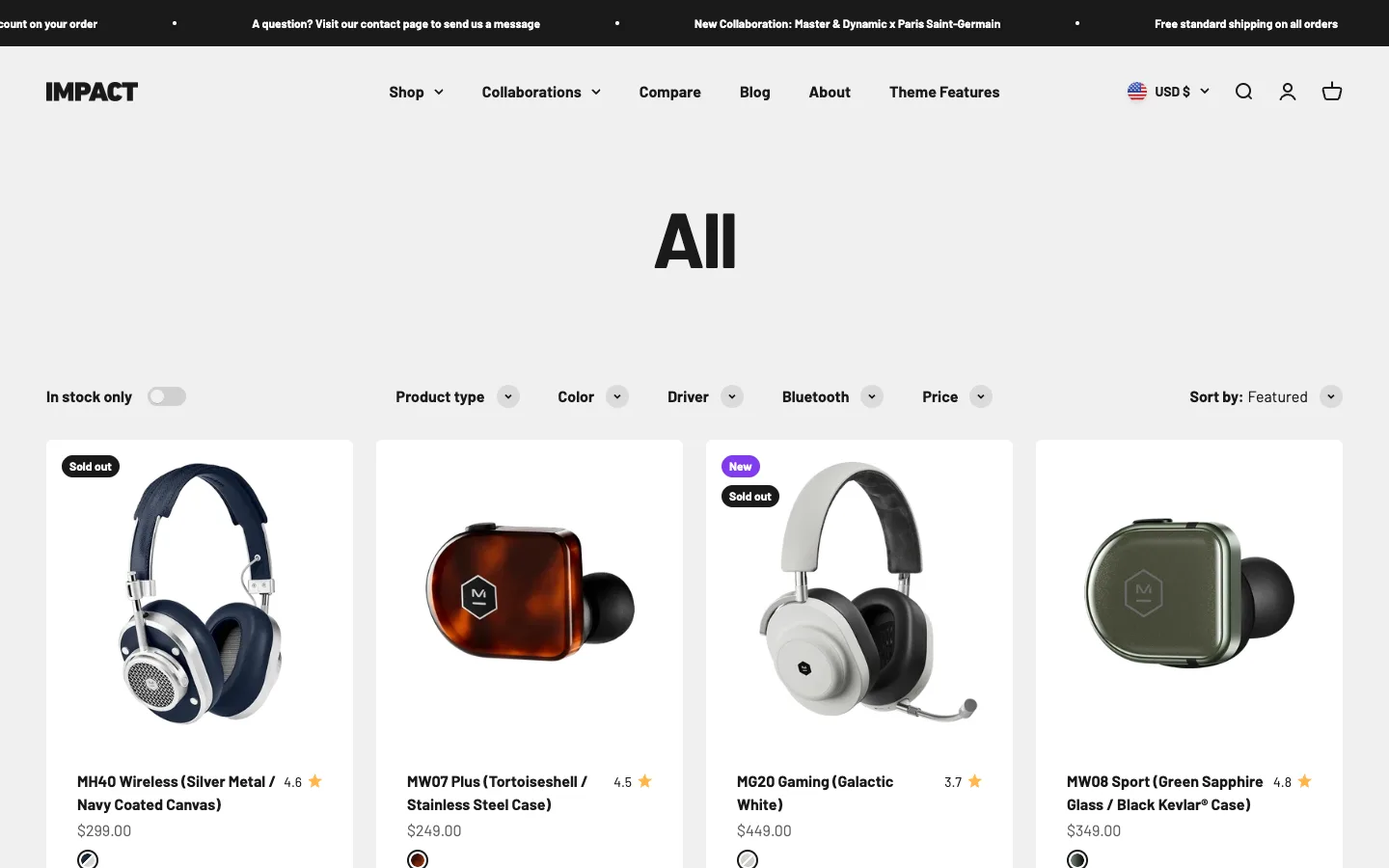
Its tagline is "Bold design made for entertainment and audio brands", so it suits a brand that sells a few headline products with strong visuals more than a big parts catalog. It lists pre-order, image hotspots and right-to-left language support.
Skip it if you want a stock counter or back-in-stock alert, or you are watching your budget; it is the highest-priced theme in this comparison.
Shopify states that theme purchases from the Theme Store are final sale and non-refundable. Test with your own products before you pay.
Support and updates for third-party themes come from the theme developer, so check who supports a theme before you choose it. For Xotiny themes, that is Xotiny theme support. If you are moving from another theme, read how to change your Shopify theme without losing content first, and if you are still deciding whether to pay at all, see free vs paid Shopify themes.
Write down the three or four features your electronics catalog needs, test a free theme with a real product, and pay when a paid theme covers what the free one does not. To see an electronics store design with your own products, look at Futurer and try its Futurer or Basser preset.