Best Shopify themes for a service business

Choosing a Shopify theme for a service business starts with what clients need to do: request a quote, choose an expert, or book a time. This shortlist compares six themes by how well their presentation supports those decisions and what you still need to set up separately.
Short answer: Start with Sense for a beauty or wellness business on a budget, or Studio for creative work. Consider Showcase when testimonials, galleries, and a customizable contact form matter enough to justify a paid theme. Choose your booking system before committing to a design.
Disclosure: xotiny makes Stylist, one of the paid options below. These recommendations are editorial judgments based on current official listings, checked October 15, 2026, rather than hands-on booking tests.
The five screenshots retained from the original article illustrate earlier demo designs. Use the linked Theme Store listings to inspect current designs and features before choosing a theme.
A useful service page answers four questions: what can you do for me, who will do it, why should I trust you, and what happens next? We apply those questions to every entry:
The suggested uses below are our interpretation of the listed features. A gallery is useful for showing finished projects, for example, but it does not establish that a theme includes a complete project portfolio template.
| Theme | Cost category | Suggested starting point | Main limitation to plan for |
|---|---|---|---|
| Sense | Free | Treatments with aftercare products | Build your practitioner introduction |
| Studio | Free | Artists, commissions, and workshops | Class scheduling is separate |
| Showcase | Paid | Visual services with testimonials | Confirm the inquiry fields you need |
| Stylist | Paid | Beauty services with transformation photos | No booking system established by its listing |
| Publisher | Free | Independent creative studios | Make the inquiry route explicit |
| Modules | Paid | Equipment sales alongside services | Rental availability needs separate tooling |
For custom projects, start with an inquiry. Shopify says all its themes include a contact form you can apply to a page. Use the introduction above that form to ask for the service, location, timing, and scope you need to prepare a quote. A form collects the request; your business still has to price and respond to it. See Shopify's contact-page guide.
For fixed service packages, explain the deliverable and how the client arranges it after purchase. Shopify supports service products without shipping; its services guide explains how to deactivate the physical-product setting.
For appointments or classes, plan an app or scheduling integration. Shopify's same guide directs merchants to booking apps and their settings for availability, capacity, and recurrence. A “Book now” button alone does not establish any of those capabilities. Check staff calendars, session duration, cancellations, and confirmation messages in your chosen system.
Free starting point for beauty and wellness
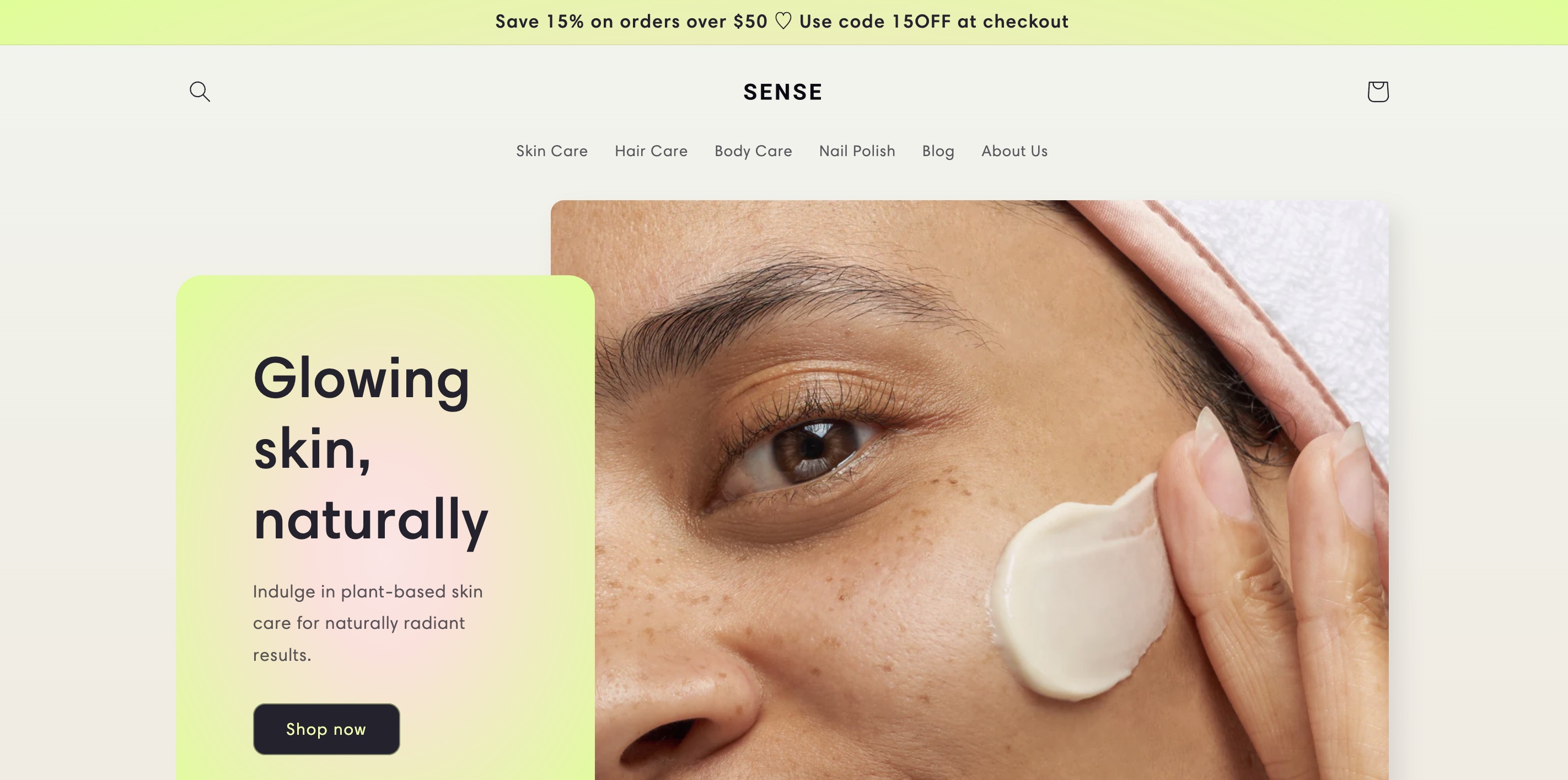
Sense is a sensible first trial for a practitioner selling treatments and related products. Its official listing highlights detailed descriptions, testimonials, and video, alongside a soft color palette and curved design elements.
Skip it if… you want a ready-made staff directory or a built-in before-and-after slider. Those are not established by the current listing.
Free option for artists and creative services
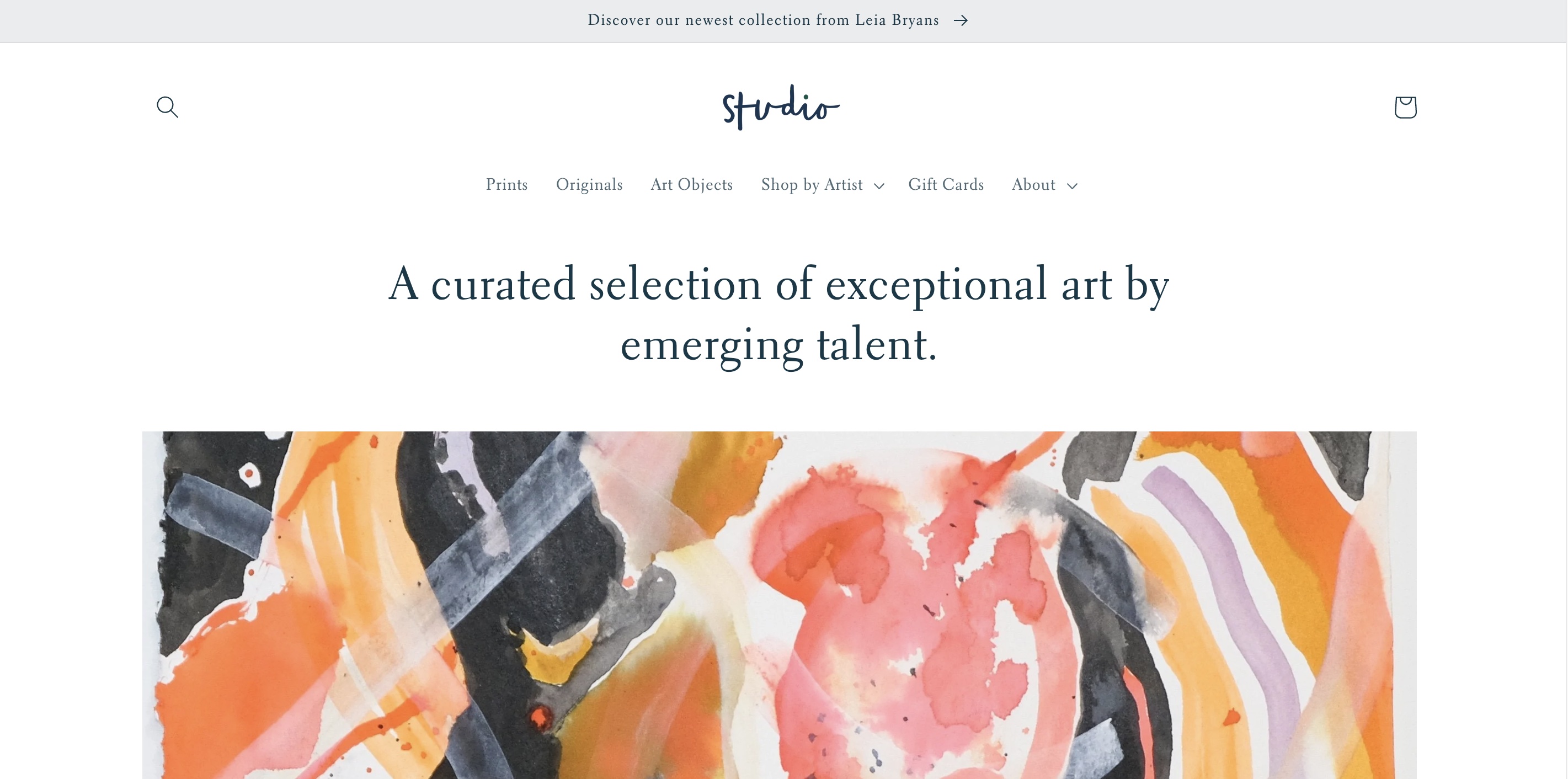
Studio is free, making it worth considering for an artist offering commissions or workshops alongside finished pieces. Its listing specifically describes artist profiles, creator filters, and collection-based navigation.
Skip it if… your service is hard to explain through visual work, or you need class scheduling to come with the theme.
Paid option for visual services and inquiry forms
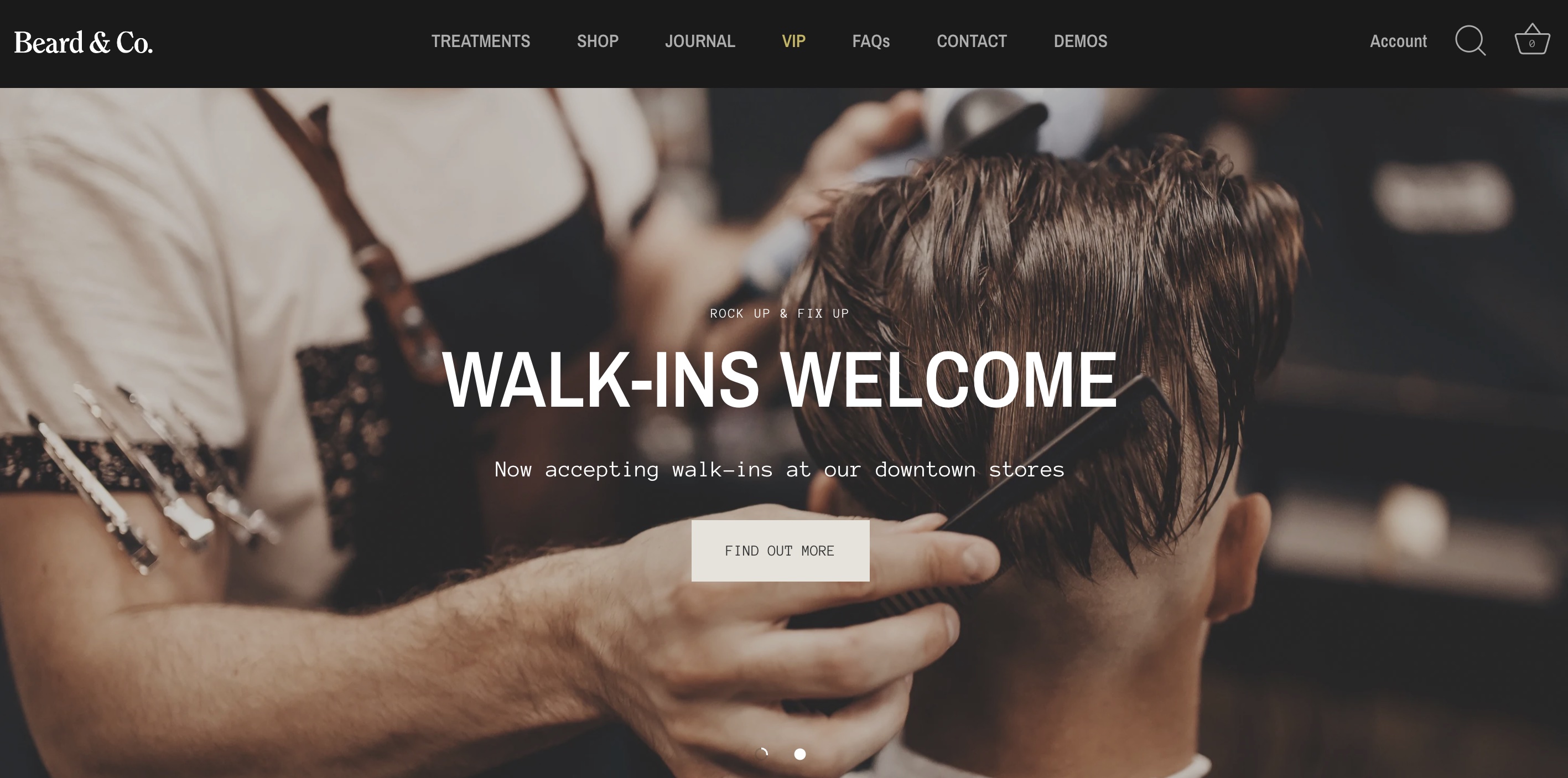
Showcase is a strong paid candidate when you already have photography, video, and client feedback. Clean Canvas's listing names testimonials, image/video galleries, and a customizable contact form.
Skip it if… you have little visual material and only need a short description plus an inquiry form. Start with a free option before paying for presentation tools you will not use.
Paid option for beauty services and visible results
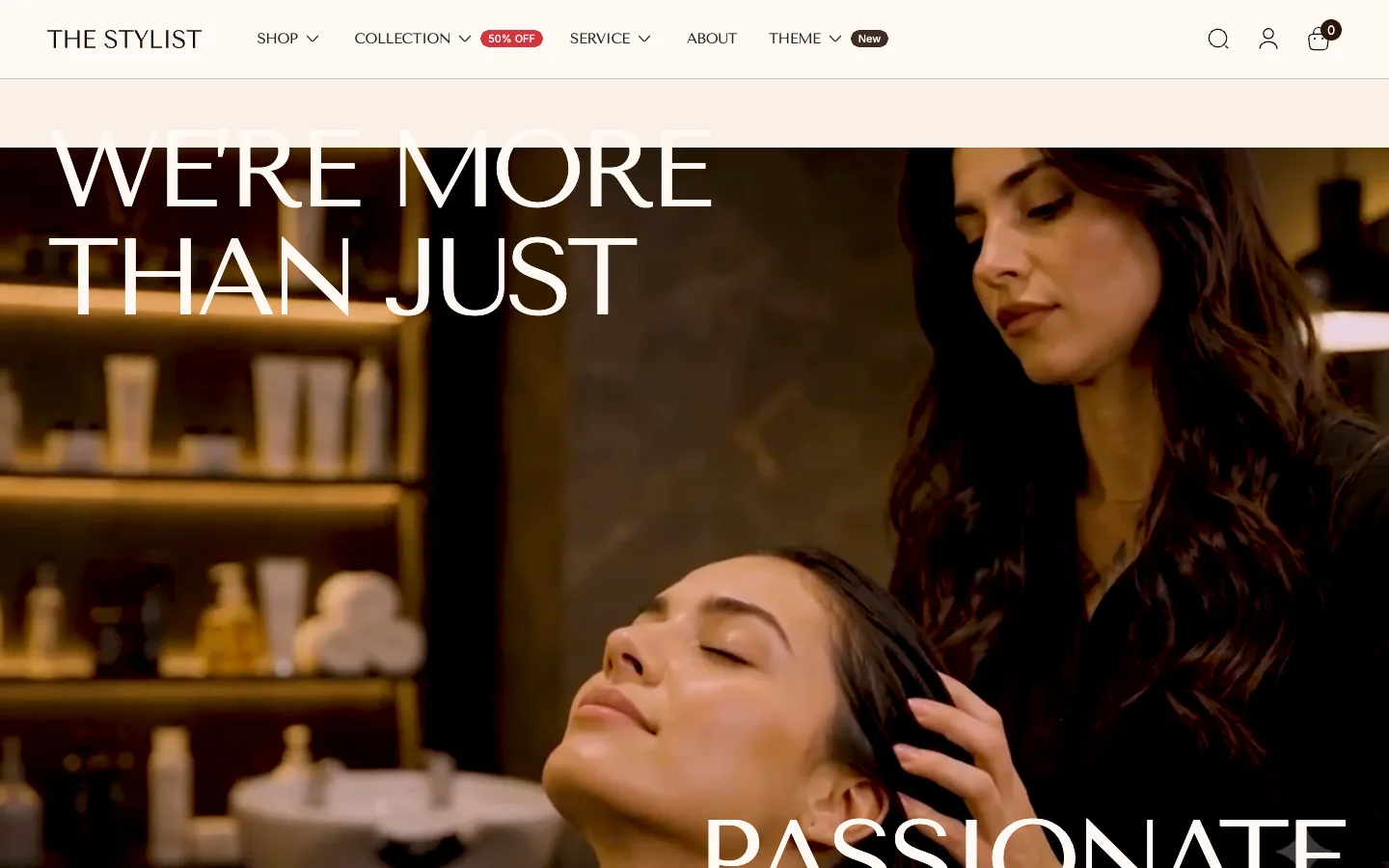
Stylist's service-focused preset is aimed at beauty stores and services. Its listed before-and-after slider, galleries, and lookbooks make it a candidate when your own photography can show the results of your work.
Skip it if… you need scheduling included, or your main service is advice that photographs cannot meaningfully demonstrate. A simpler layout with a strong expert introduction may fit better.
Free option for an independent creative studio
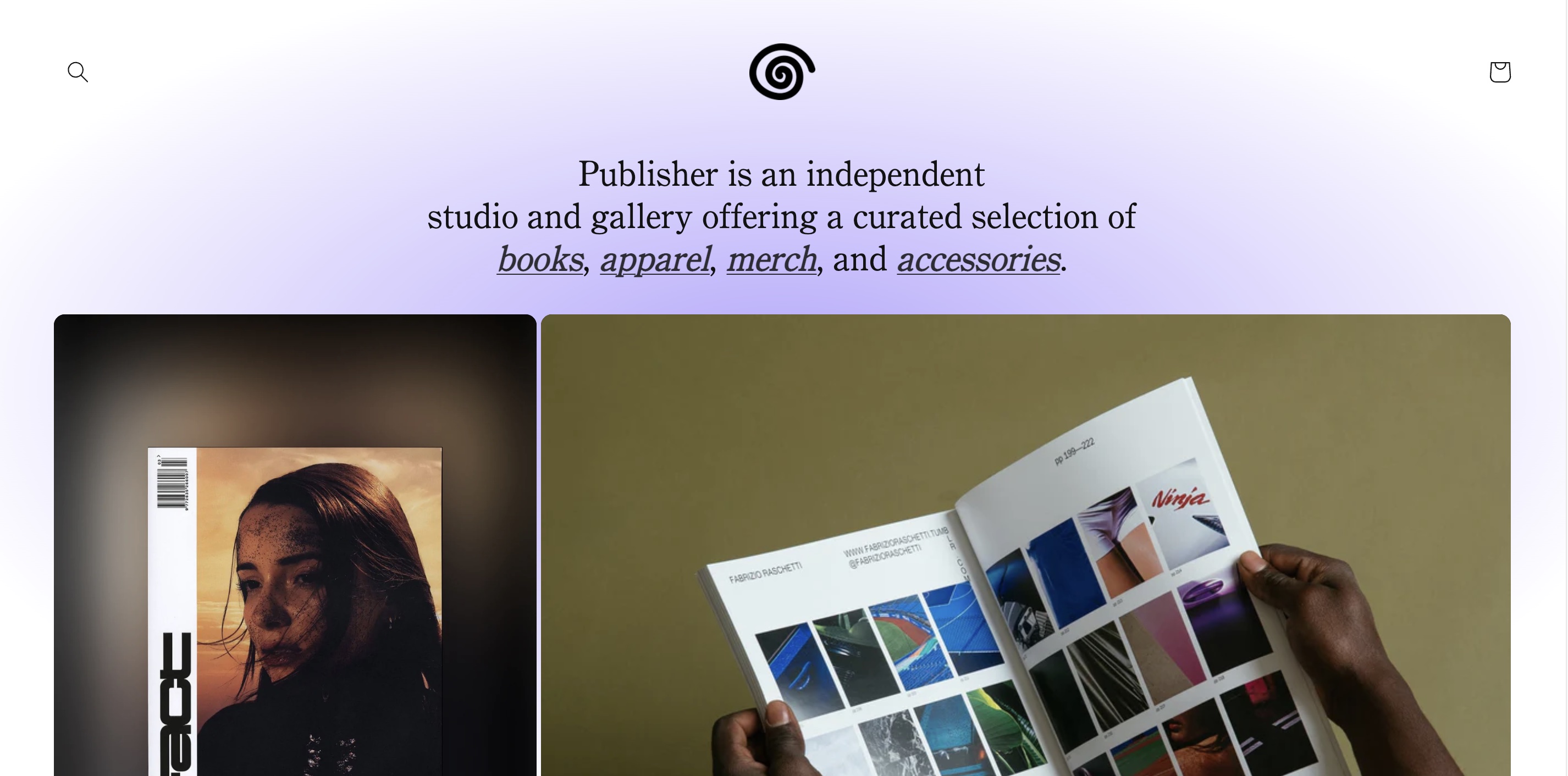
Publisher suits a studio that wants to explain its approach alongside prints, books, or merchandise. Its listing emphasizes narrative, minimal navigation, contextual links, and contemporary typography.
Skip it if… visitors need to compare many service categories immediately. Trial a clearer service menu before choosing Publisher for its visual style.
Paid option when equipment and services share a store
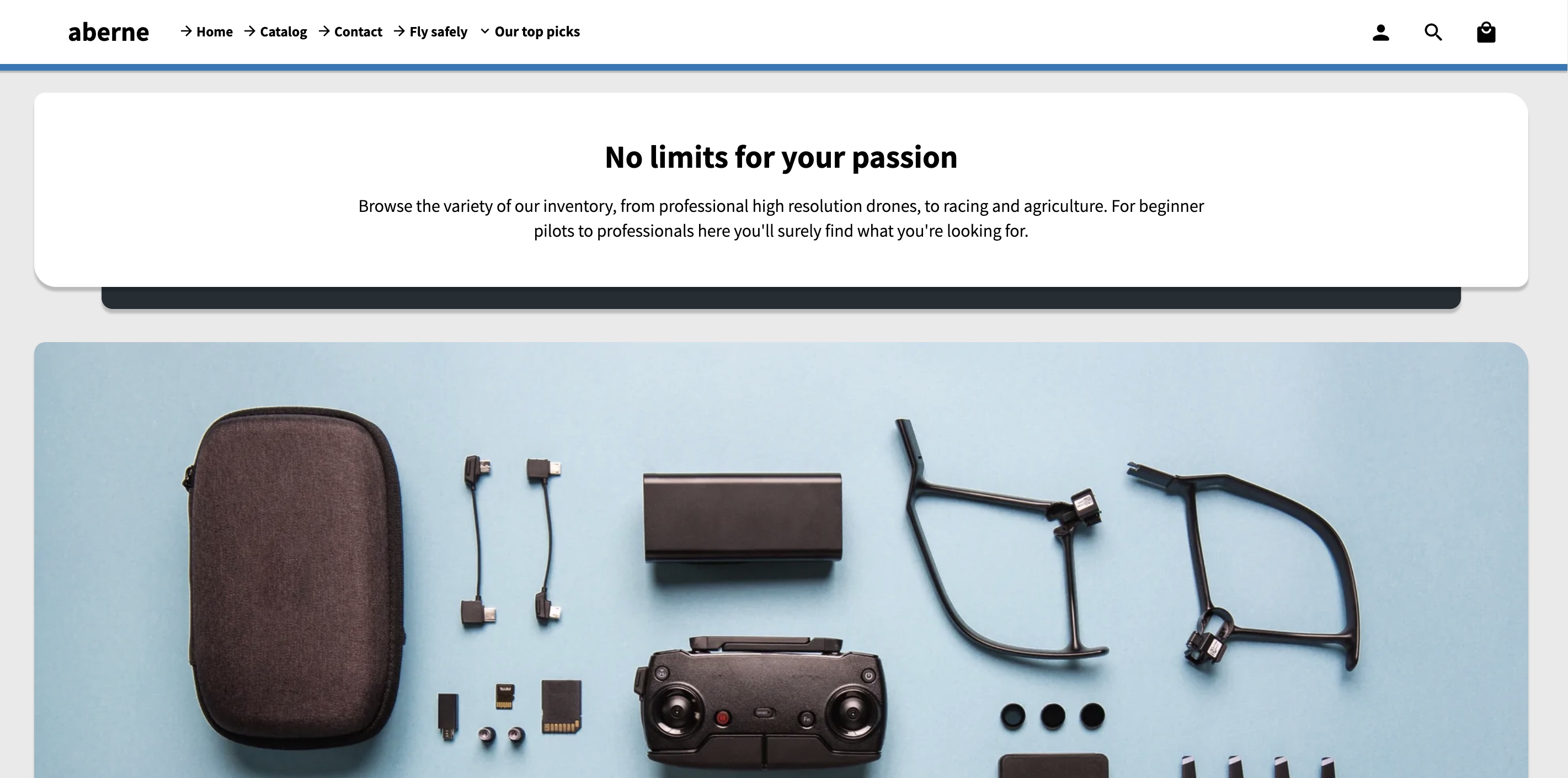
Modules is a narrower choice for a business selling equipment alongside installation, training, or other services. Its listing emphasizes product presentation and includes a mega menu, enhanced search, galleries, video, and a before-and-after slider.
Skip it if… you sell only a few consultations and have no equipment catalog. Its product-discovery features are less central to that decision.
Build one representative service page before deciding. Include the service scope, a named expert, a work example, genuine feedback, and one clear next step. Then review that page on a phone with the actual inquiry or booking tool you intend to use.
Check whether a visitor can understand the offer, find the right expert, and complete the next step without guessing. For appointments, check the selected time and confirmation. For quotes, submit an inquiry and confirm it reaches the right inbox.
If you are replacing an existing design, follow the theme-switching checklist before launch. Pick the theme that makes your service clear with the least extra work; contact theme support if you need help assessing Stylist for your store.