Shopify Theme for a Kids Store: What to Look For
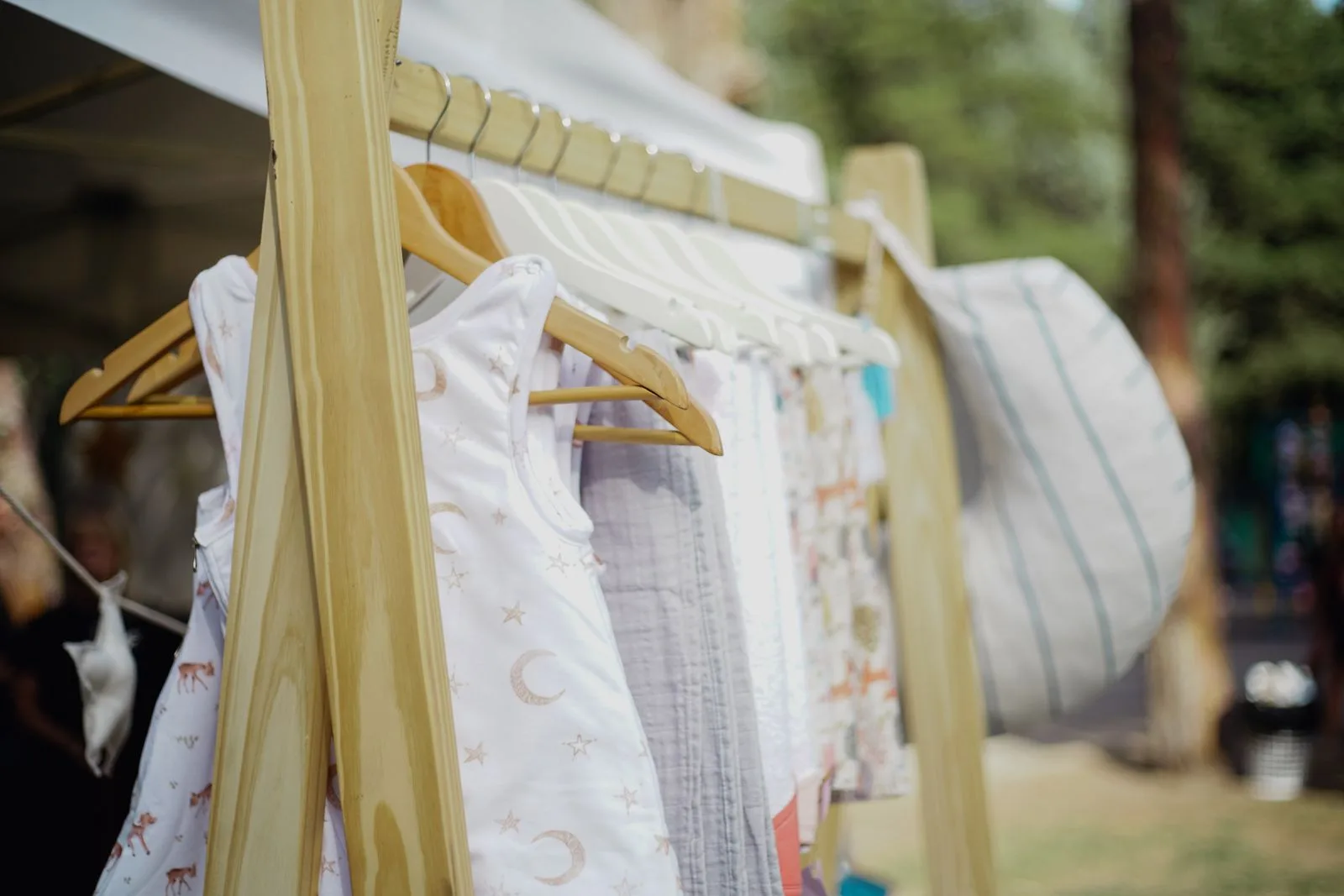
Choosing a Shopify theme for a kids store means designing for the person who pays, not the person who wears or plays. Parents and gift buyers want to find the right age and size fast, compare colors, and spot a deal before a birthday or the holidays. This guide lists what a kids store needs from a theme, checks whether a free theme is enough, and compares free and paid options against the same criteria.
Disclosure: Xotiny makes one of the themes compared below (Wave, with its Kiddorie preset). It is judged on the same criteria as the others, and every entry has a "skip it if" line.
A theme decides how your collections and product pages look, and which blocks you can add without code. For kids clothing, toys and baby gear, check the Theme Store listing for these features:
You will not need all seven. Pick the three or four your catalog depends on and filter on those.
Often, yes. None of the themes under the Theme Store's Kids filter is free, but two of Shopify's free themes list the features that matter most for kids clothing.
Dawn (free) lists a size chart, color swatches, swatch filters, lookbooks and a mega menu. Its listing does not include quick view, product tabs or a countdown timer.
Horizon (free) lists the same core set and adds quick view and EU translations. Its listing does not include product tabs or a countdown timer.
Both have a low share of positive reviews on the Theme Store (see their cards below). The case for them is the price and the basics, not merchant satisfaction, so try one with a real product before you build on it. Neither looks playful out of the box; you would set the colors, fonts and images yourself.
The Theme Store's Kids industry filter returned 42 themes and presets on November 23, 2026. The list below is not all of them. The criteria: tagged for kids on the Theme Store (or a free theme that covers the basics), the features above as listed on each Theme Store page, and how many merchant reviews the theme has. A theme with few reviews is not a bad theme, but you have less evidence from other merchants. Each card shows the current price, rating and review count.
| Theme (preset) | Price | Size chart | Swatch filters | Quick view | Product tabs | Countdown timer |
|---|---|---|---|---|---|---|
| Dawn | Free | Yes | Yes | No | No | No |
| Horizon | Free | Yes | Yes | Yes | No | No |
| Kidu | Paid | Yes | No | Yes | No | Yes |
| Wave (Kiddorie) | Paid | No | Yes | Yes | Yes | Yes |
| San Francisco (Cuddle) | Paid | Yes | Yes | Yes | Yes | Yes |
"No" means the feature is not listed on the theme's Theme Store page as of November 23, 2026. Paid themes are a one-time Theme Store purchase. A preset is a ready-made design inside a theme; buying the theme gives you all its presets.
Shopify's free theme whose tagline is "A minimalist theme that lets product images take center stage." It covers sizes and colors, which is most of what a small kids clothing store needs.
Skip it if you want quick view, product tabs or a sale countdown without adding an app.
A free theme with the tagline "Polished design meets a clean setup: launch faster without sacrificing style." It adds quick view and EU translations (EN, FR, IT, DE, ES) to Dawn's basics.
Skip it if you need product tabs or a countdown timer, or want a design that already looks made for children.
By 1o1development
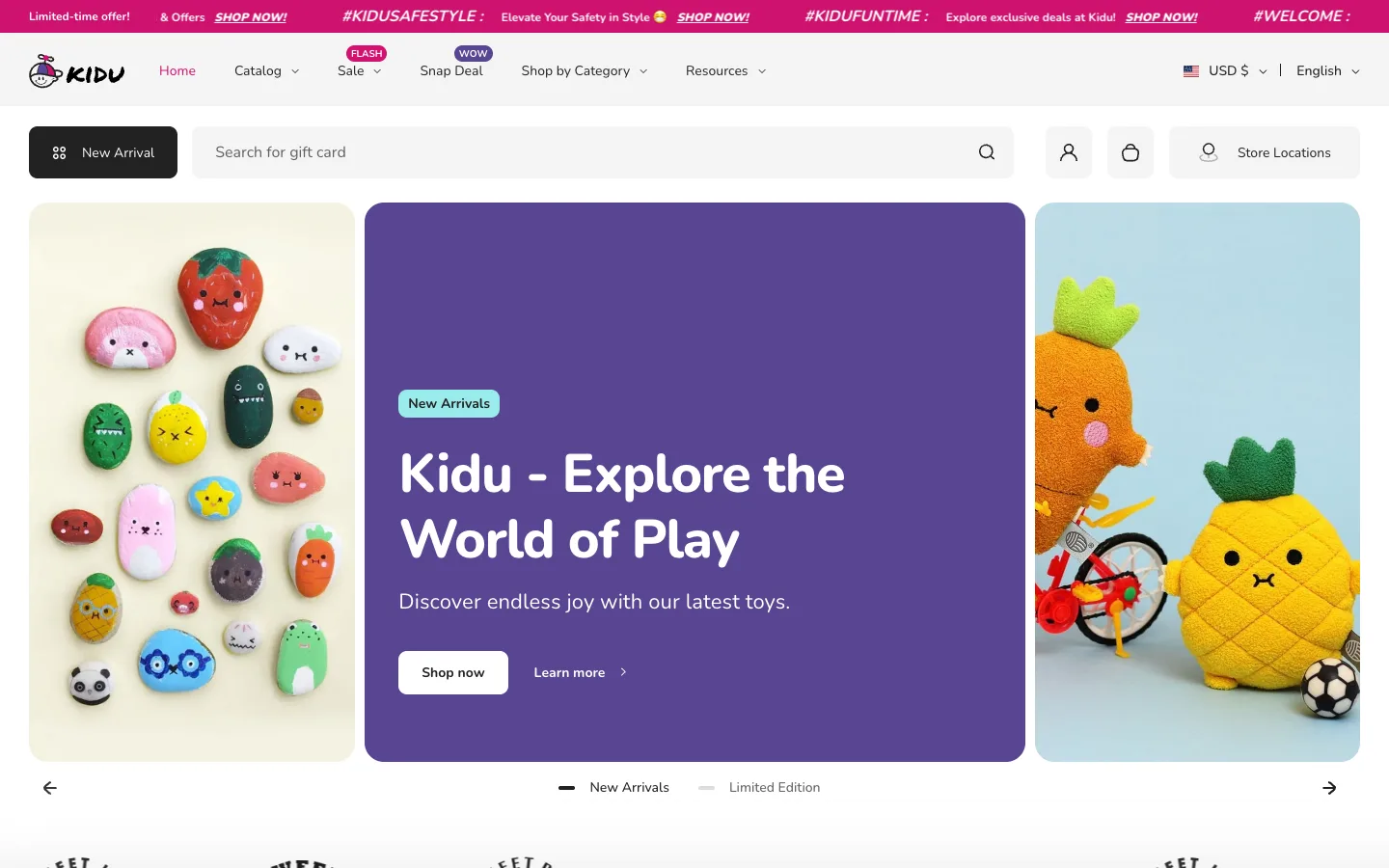
Built for toy stores: its tagline is "Sell More Toys with a Fast, Fun & Colorful Shopify Theme for Kids." It lists a size chart, quick view, color swatches, a countdown timer, a mega menu and EU translations, and it has the most merchant reviews of the paid themes here. Its other presets (Dresser, Stroll, Gentle) are also tagged for kids.
Skip it if shoppers need to filter collections by color, or you want product tabs or lookbooks; none of the three is on its listing.
Kiddorie preset
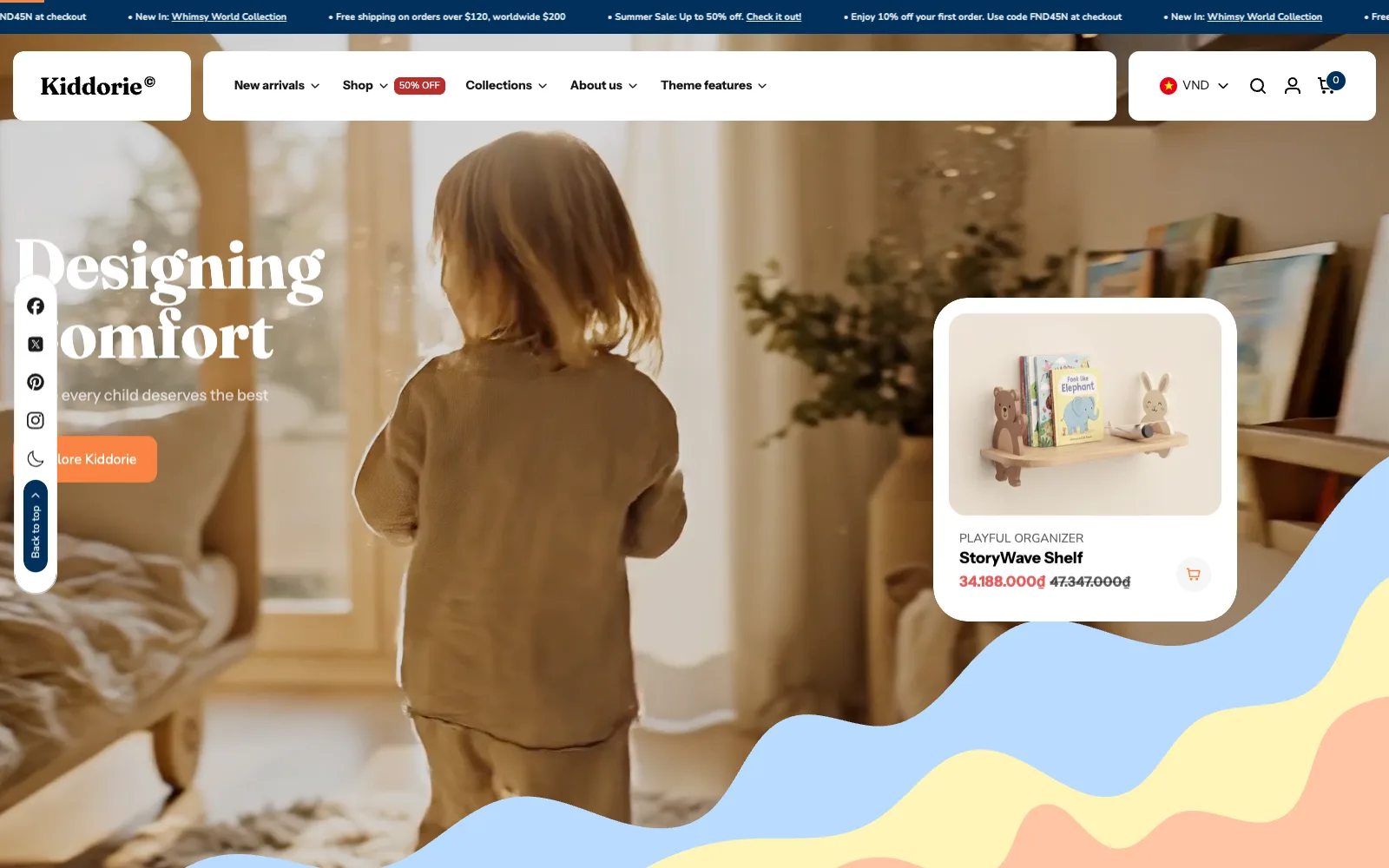
Kiddorie's tagline is "Bring your kids' brand to life with delightful, playful designs", and it appears under the Theme Store's Kids filter. It lists swatch filters, quick view, product tabs, lookbooks, image hotspots (tap a product inside a styled photo), product badges, a countdown timer, promo pop-ups, EU translations and right-to-left language support.
Buying Wave also gives you its four other presets, two of them styled for clothing (Renaisse and Tonic), if you want a calmer look for an older-kids range.
Skip it if you need a dedicated size chart; it is not on Wave's listing, so you would put sizing in a product tab or the description instead.
Cuddle preset, by Apparent Collective
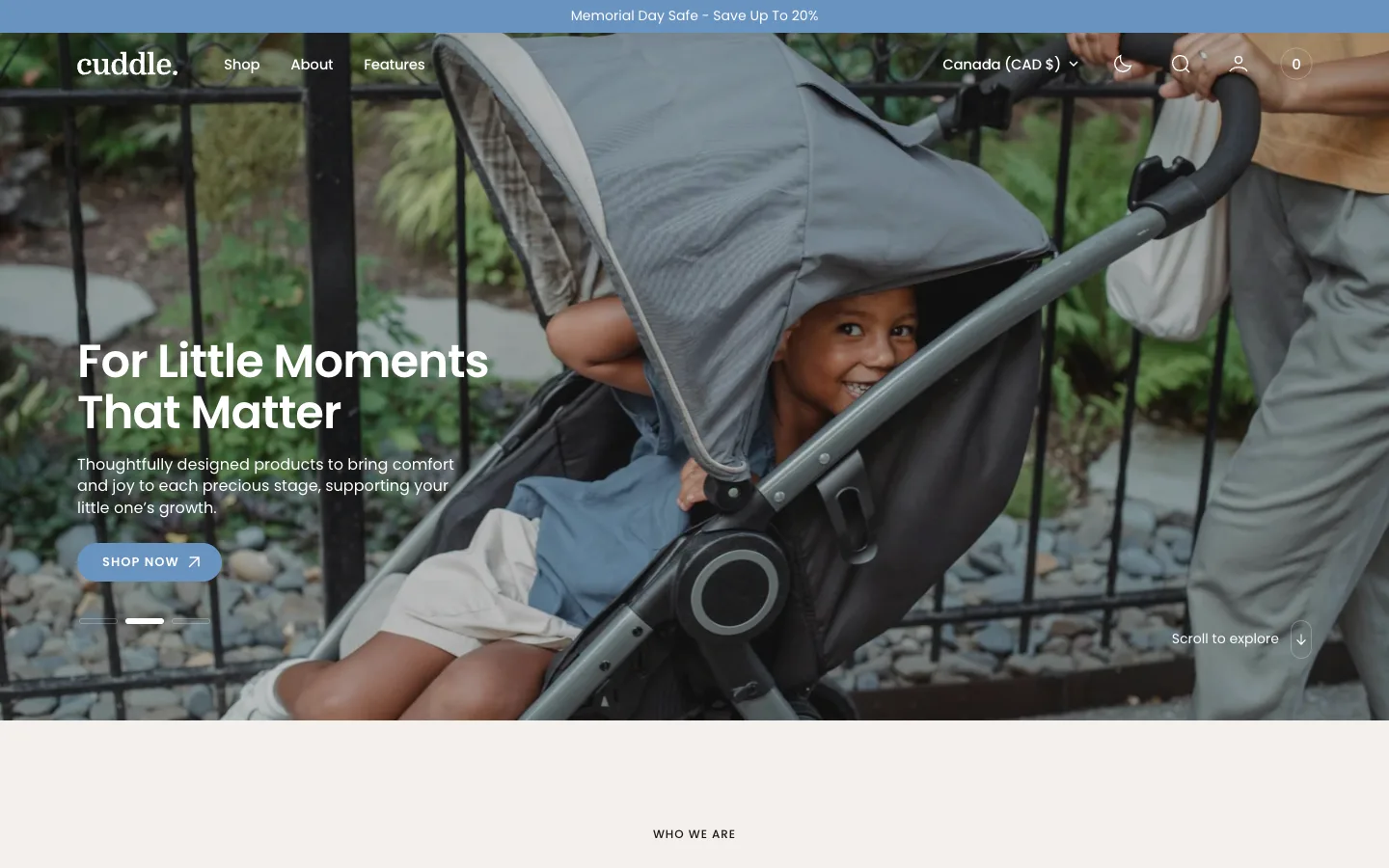
The Cuddle preset of San Francisco, a theme described as "Innovative and refined theme for medium-sized product catalogs." It is the only theme here that lists every feature in the table, plus lookbooks, a mega menu and EU translations. Its demo is styled for baby gear.
Skip it if you sell a small range and will not use most of those features, or the price is more than you want to spend before you have sales.
If gift season matters to you, set up the banner or countdown you plan to run during the trial. It shows quickly whether the theme handles promotions the way you want.
You can only publish a paid theme after you buy it, and support for a paid theme comes from its developer, not Shopify. Check who supports a theme before you choose it; for Xotiny themes, that is Xotiny theme support.
If you also sell beauty or skincare products for parents, see our guide to Shopify themes for beauty products.
Write down the three or four features your kids store depends on, test a free theme with a real product, and pay when a paid theme covers what the free one does not. To see a playful kids design with your own products, try Kiddorie on the Shopify Theme Store.