Shopify lookbook: build a shop the look page
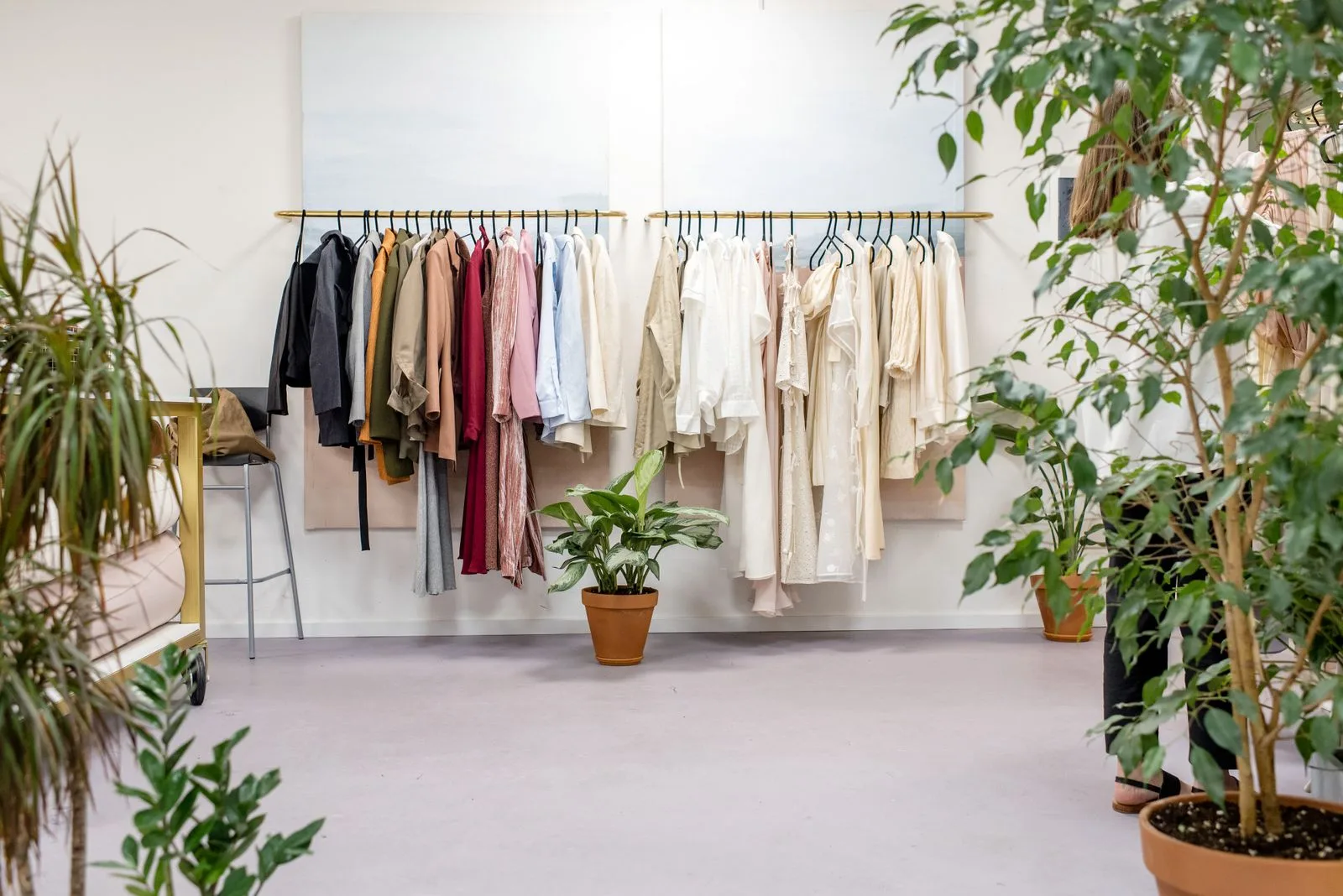
A Shopify lookbook shows your products the way they are meant to be worn or used, in styled photos rather than on a white background. When those photos let shoppers click straight through to the products in them, you have a "shop the look" page. This guide covers the three ways to build one: with your theme, with an app, or with custom code, and how to tell which one you need.
Check your theme first. Many themes already include a lookbook section, and some include image hotspots: clickable markers on a photo that link to the product shown. If your theme has both, you need no app.
If your theme only shows plain images, add a gallery app that supports product hotspots. Hire a developer only when you need a layout or behavior no theme section or app offers.
The two terms overlap, but they solve slightly different problems:
| Lookbook | Shop the look | |
|---|---|---|
| Main job | Set the mood of a collection or season | Sell the products in a photo |
| Typical content | Large styled photos, short captions | Photos with a marker on each product |
| What a click does | Opens a collection, a product or nothing | Opens or previews the tagged product |
| Where it lives | Its own page, or a section on the home page | A section on the home, collection or product page |
You can combine them: a lookbook page whose photos are shoppable. Decide which of the two jobs matters more to you before you check what your theme or an app can do.
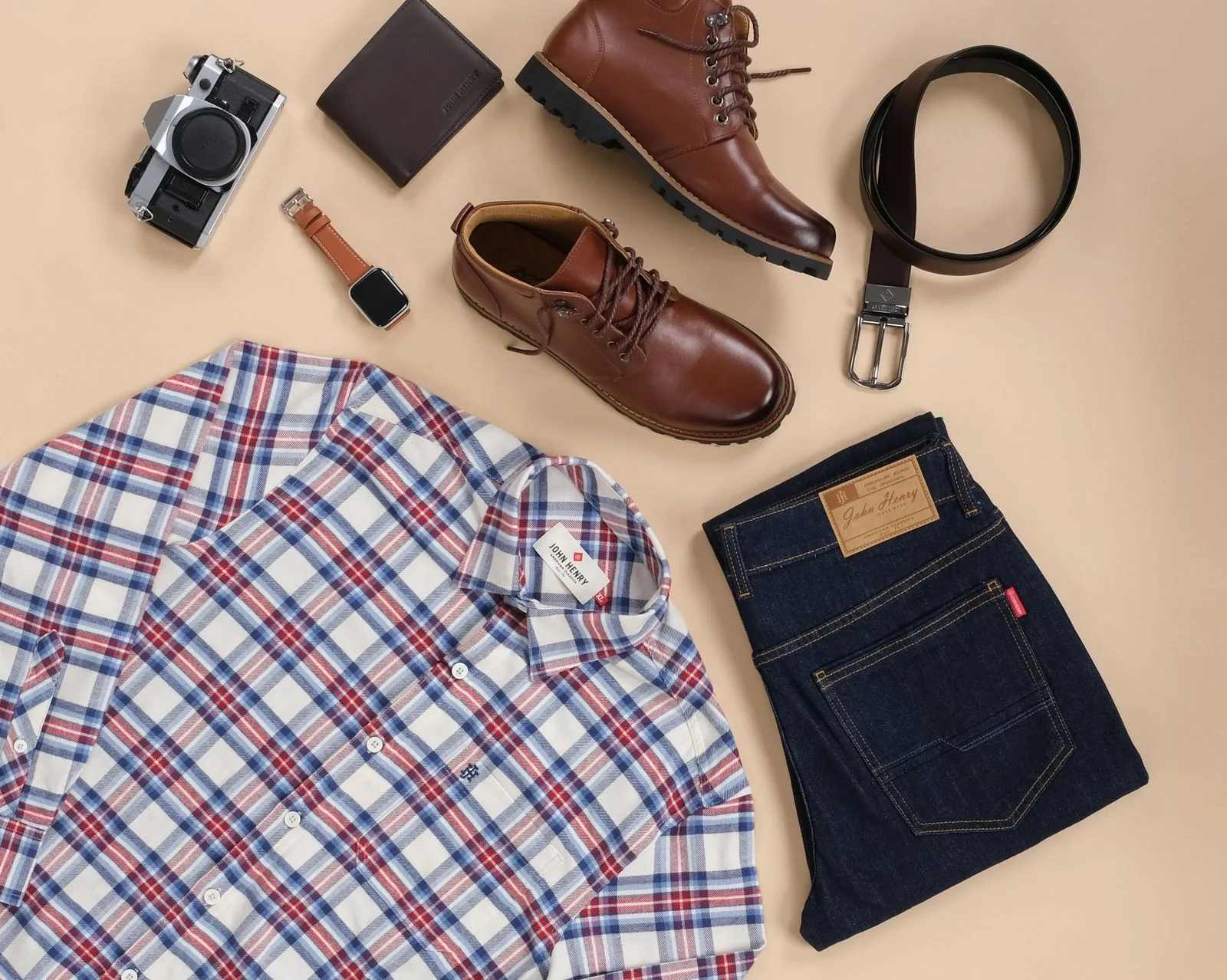
Outfit inspiration: arrange your own clothing and accessories as a complete look, then tag the pieces you sell.
In Shopify, a page is built from sections (full-width areas such as a slideshow or an image banner), and sections contain blocks (the smaller pieces inside them, such as a heading or a button). You add and arrange both in the theme editor. Shopify's sections and blocks guide notes that the sections available depend on your theme.
If you are choosing a new theme, the Theme Store lists features on each theme page. Shopify's free themes Dawn and Horizon both list Lookbooks among their features, but neither page lists Image hotspot (checked October 16, 2026). Read that as a reason to test the section in the editor before you plan a shoppable lookbook around a free theme.
A lookbook usually works best as its own page that you can link from the menu. Shopify's templates guide describes the steps; creating templates needs a compatible theme.
The Theme template list on a page only shows templates from your current live theme. You can build and preview the template in an unpublished theme, but you can only assign it to a page once that theme is published.
lookbook and base it on your default page template.lookbook template under Theme template, and click Save.An app makes sense when your theme has no hotspot section, when you want several lookbooks with different layouts, or when you want to reuse the same gallery on more than one page.
If an app adds an app block, you place it on a page in the theme editor. Shopify's guide to apps in themes points out two limits worth checking before you install anything:
When you compare apps for a lookbook, check these four things on each listing:
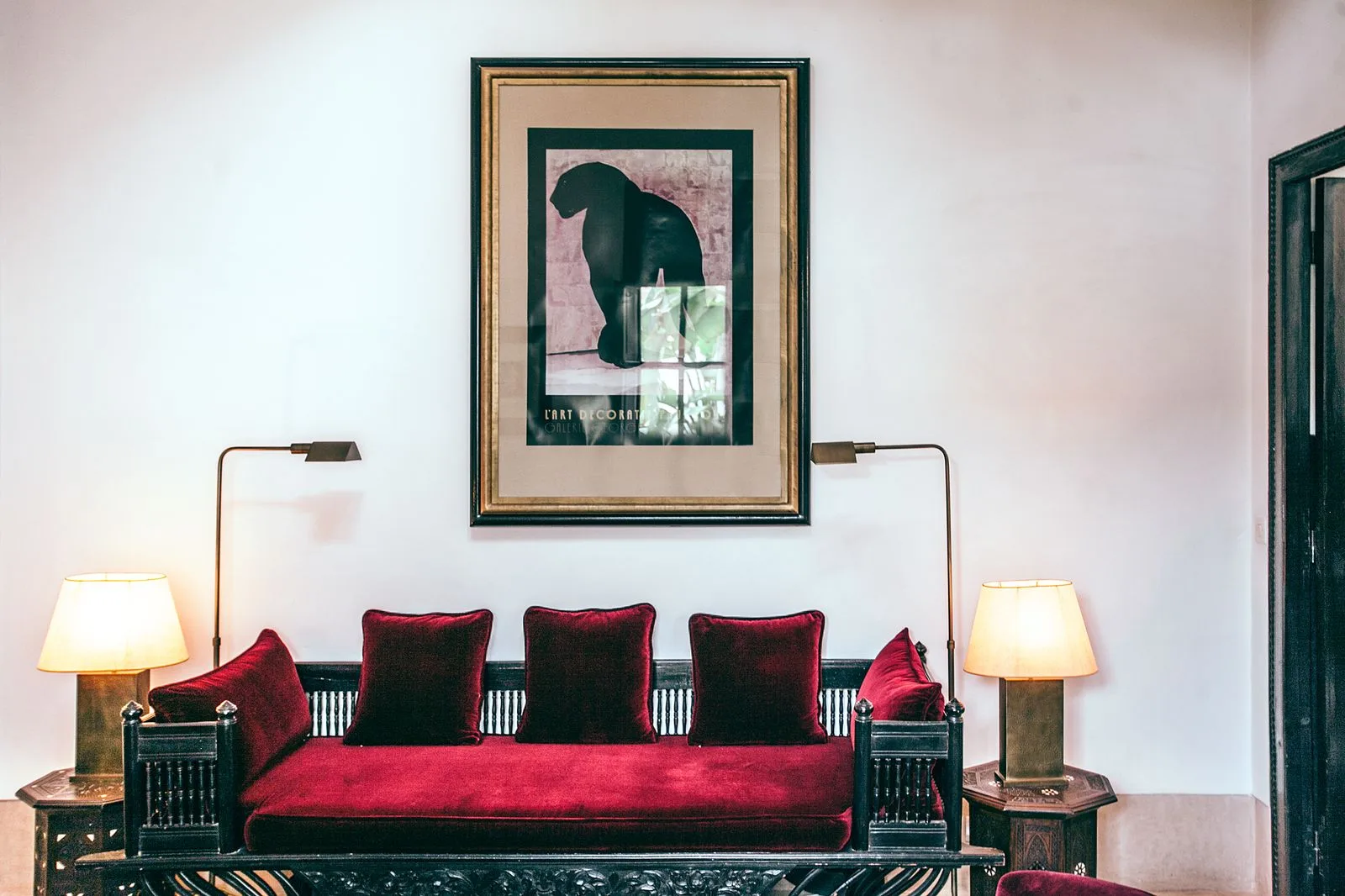
For a homeware lookbook, photograph a styled room like this one. In the app preview, check that shoppers can select each tagged lamp, cushion, or print separately.
Our comparison of Shopify gallery apps checks five apps against these points, including lookbook apps with direct add-to-cart.
A developer can build a hotspot section in Liquid, the template language Shopify created for its themes, with exactly the layout and behavior you want. That is worth paying for when the lookbook is central to the brand and no theme section or app offers the layout or click behavior you need.
Try a theme section or an app first. Shopify's guide to editing theme code advises editing code only when an app or the theme editor cannot make the change, and warns that code changes incompatible with a theme update are removed from the updated copy. If you do go custom, ask for a section you can customize in the theme editor, so you can swap photos and products without calling the developer again.
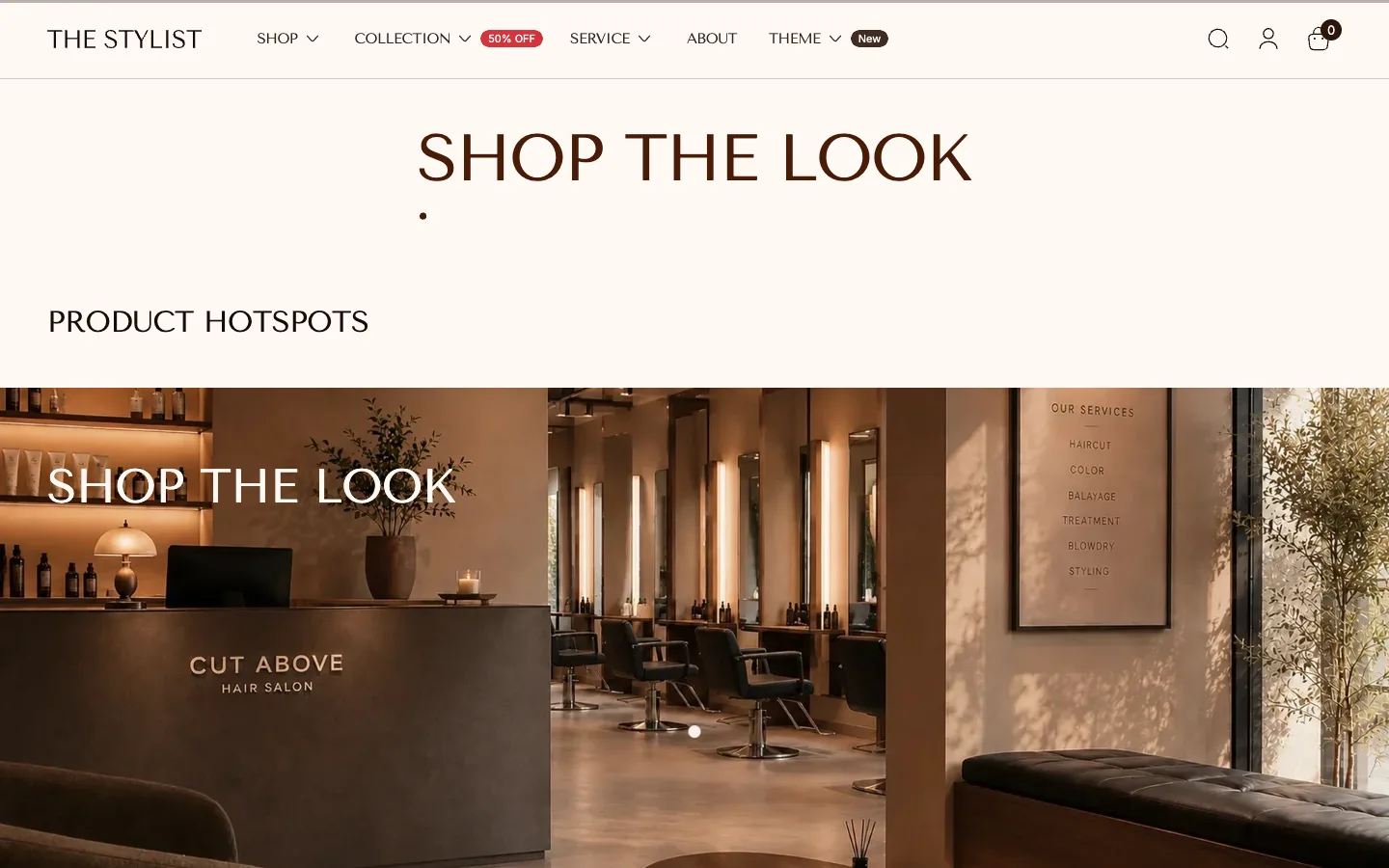
xotiny makes a gallery app and themes with these sections. XO Gallery includes Lookbook and Shop the look gallery types, with product hotspots on its Pro plan. Our themes Stylist, Wave and Redefine list both Lookbooks and Image hotspot on the Theme Store. The Stylist demo store below has a shop the look page built from a Product hotspots section, where each white dot links to a product.
Start with the sections your theme already has. If none of them make a photo shoppable, try a gallery app with hotspots. If you want a lookbook section built or adjusted for your theme, contact our theme support team.