Best Shopify gallery apps for photos, lookbooks, and video
The best Shopify gallery app depends on what visitors should do: browse your work, shop an outfit, or watch a tutorial. This comparison narrows the choice to five apps and explains when your existing theme is enough. Disclosure: xotiny makes XO Gallery, one of the options below.
Short answer: try your theme first for a small image display. Shortlist POWR Lookbook Gallery for linked photos, Enorm for separate image and video galleries, and Lookbook Shop by Gallery Ace for product tags with direct add-to-cart. For device-specific image controls, consider XO Gallery; for a YouTube playlist, consider POWR YouTube Gallery.
Those are starting points based on the official listings, not a ranking from hands-on tests. Match the app to your content and the plan that includes your required features.
We checked official Shopify App Store listings on October 14, 2026. Each entry uses the same criteria:
We selected tools for merchant-owned photos, lookbooks, and video libraries. Instagram feeds and product-page image replacements solve different problems, so this shorter comparison leaves them out. Ratings alone do not determine the order, and we make no speed or conversion claims.
A section is a configurable area of a page; blocks are the pieces inside it. Shopify's sections and blocks guide explains that available options depend on your theme and version. Check for image, collage, slideshow, or multicolumn options in the theme editor, where you arrange your storefront pages.
For a few workshop photos or a small campaign display, use an included section if it gives you the layout and links you need. This adds no gallery-app subscription. Check the available sections even if you use a free theme before assuming an app is necessary.
If the images belong to one product, start with its existing media area. Shopify supports product images, videos, and 3D models, although displaying video and 3D models requires a compatible theme.
Skip the theme-only route if… you cannot build the needed layout, organize your growing portfolio, or add the shopping interaction you want with its available sections. Identify that missing capability before installing anything.
| App | Start here for | Check before choosing |
|---|---|---|
| POWR Lookbook Gallery | Linked images and mixed content | Image allowance and lightbox access |
| Enorm Image gallery + Video | Image and video galleries | Gallery allowance and branding |
| Lookbook Shop by Gallery Ace | Shoppable lifestyle photos | Product-tag and add-to-cart plan |
| XO Gallery | Layout and device controls | Hotspot plan and media allowance |
| POWR YouTube Gallery | Playlist-based video collections | Video allowance and refresh interval |
The illustrations below are retained from the earlier article; they show example layouts, not the current app interface. Use the linked listings for current features and plans.
For linked photos and mixed content
Content and layout: the official listing describes grid, collage, and list layouts, call-to-action buttons, and support for photos alongside YouTube, TikTok, and Vimeo videos. Consider it for a campaign page mixing imagery and links.
Editing and mobile: automatic cropping and responsive display are listed. Preview portraits and wide photos together to check that crops preserve the subject.
Free-plan fit: a small lookbook with a call-to-action button can start free. Lightbox viewing, which opens media in a larger overlay, and gallery search are listed on Pro. Image allowances vary by plan.
Skip it if… you need a large photo library on the free plan, or lightbox viewing is essential without upgrading.

For image collections and video galleries
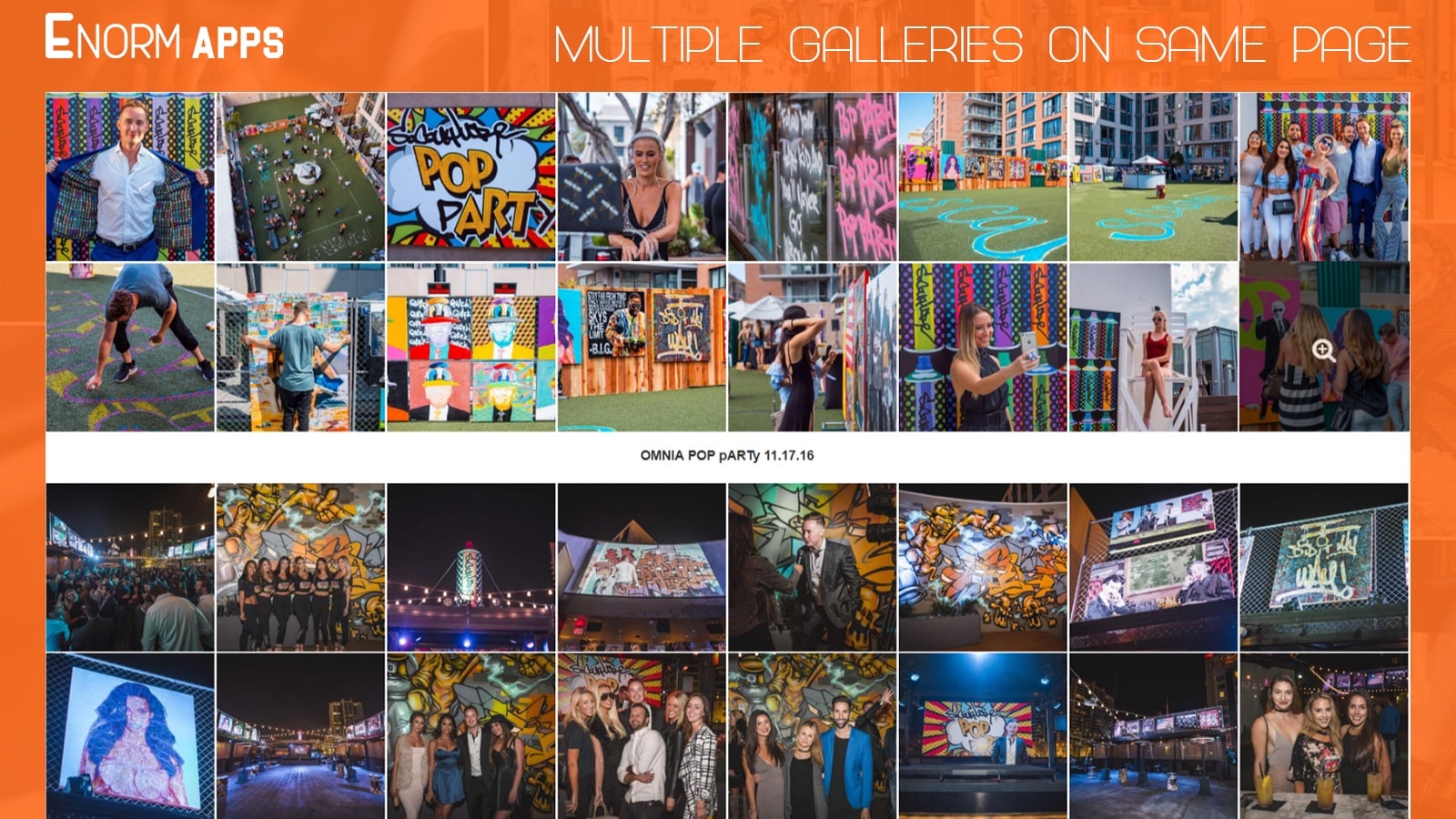
Content and layout: Enorm's listing describes photo galleries and YouTube or Vimeo video galleries, with masonry, collage, grid, and list layouts. Parent galleries can link to child galleries, making it a candidate for organizing separate projects.
Editing and mobile: bulk uploads, captions, links, alt tags, and responsive presentation are listed. Check how easily visitors move from the project overview into an individual gallery on a phone.
Free-plan fit: the free tier includes image and video galleries, lightbox viewing, and branding. Larger image collections or more galleries require checking the paid allowances.
Skip it if… you need a gallery without app branding on the free plan.

For product hotspots and direct add-to-cart
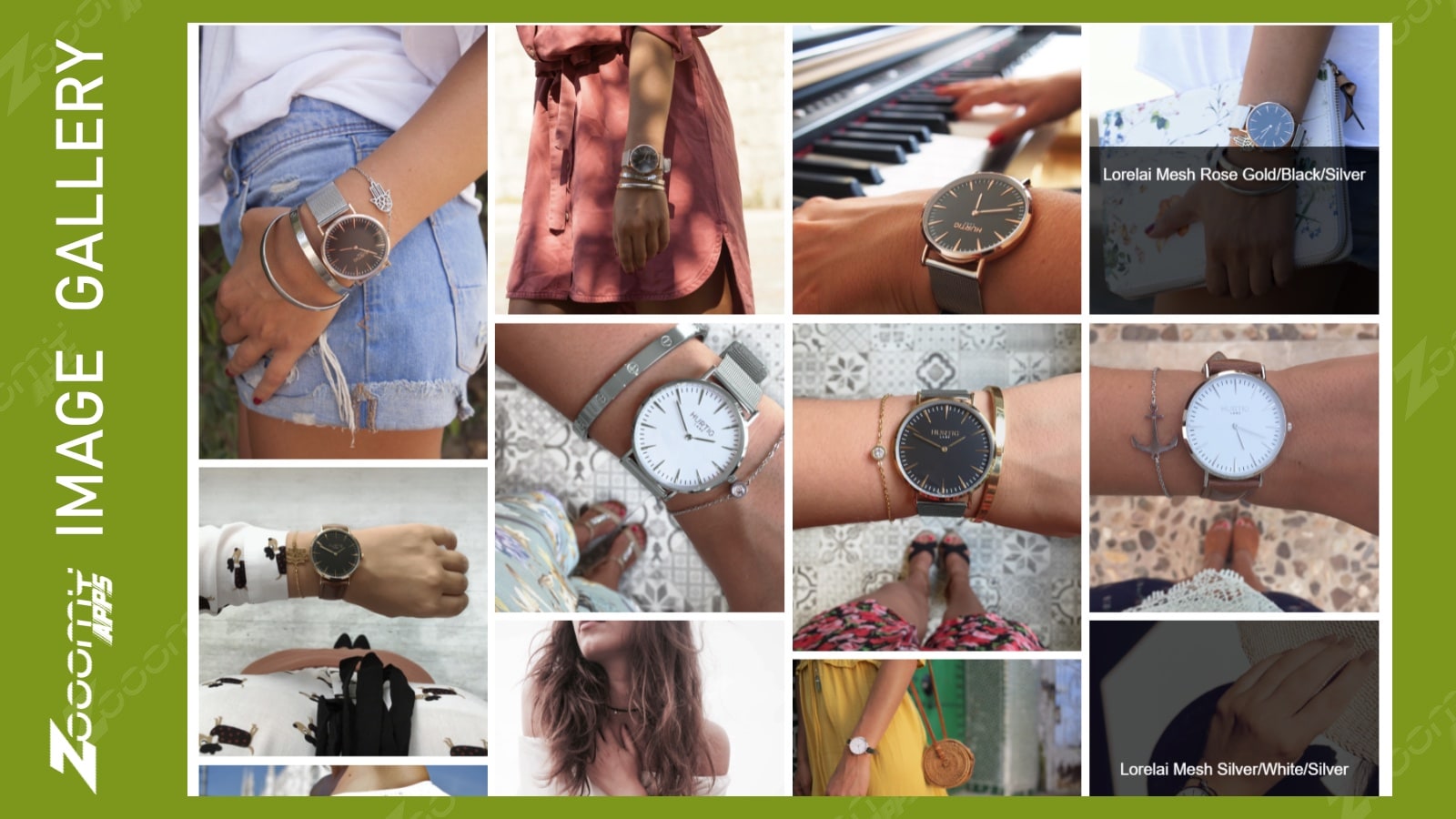
Content and layout: this is a candidate when one lifestyle photo features products shoppers should be able to buy. The listing describes image hotspots and direct add-to-cart, alongside slider, masonry, grid, and list layouts.
Editing and mobile: drag-and-drop uploads, bulk image management, and responsive display are listed. Try a scene with several products and check whether each tag is easy to select on a small screen.
Free-plan fit: the starter tier covers a small lookbook. Product tagging and direct add-to-cart are explicitly listed on Professional and Business, so do not assume the free gallery is shoppable.
Skip it if… product hotspots are your main requirement and you need them on the free tier.

For layout choices and device-specific image settings
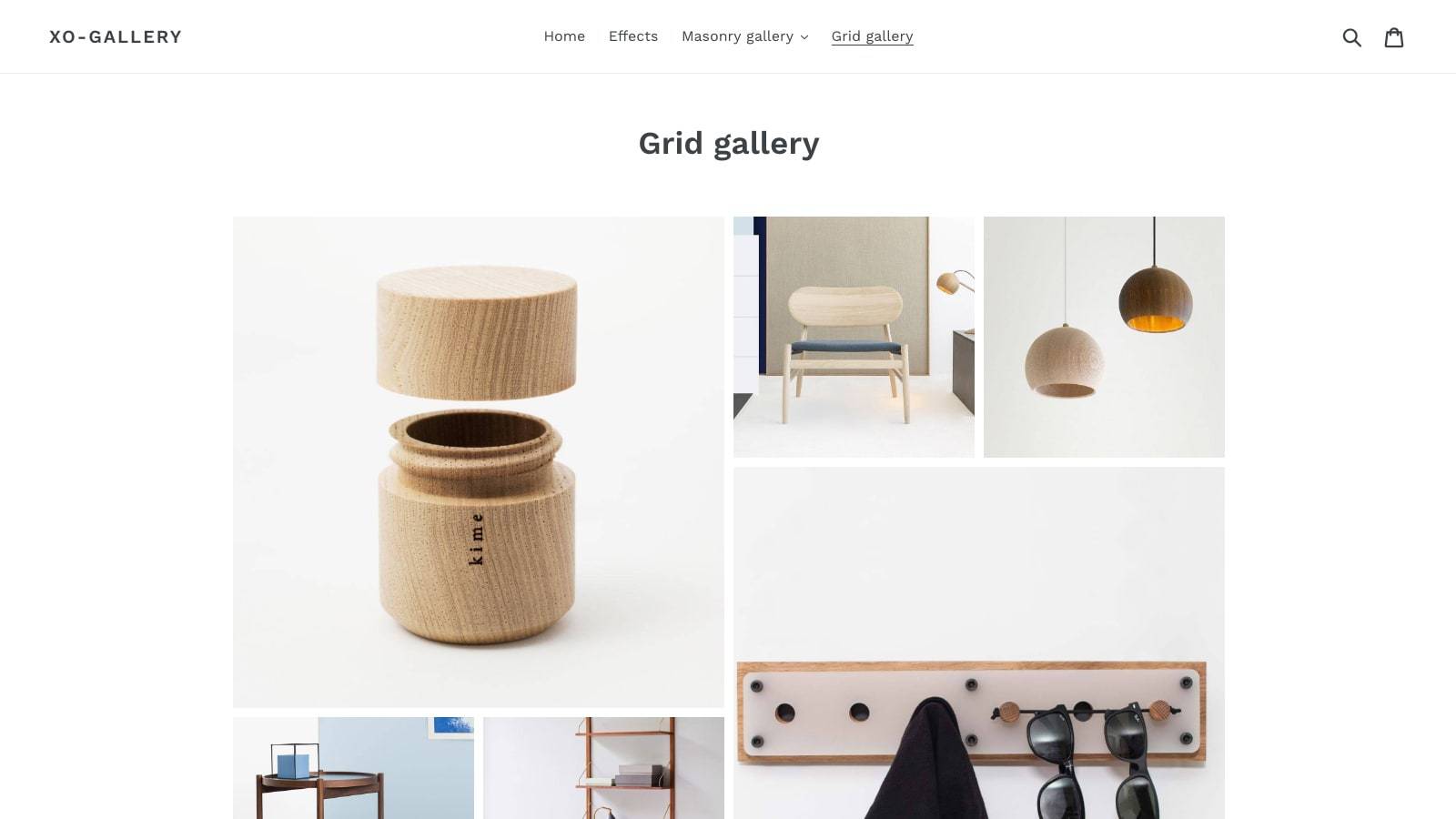
Content and layout: XO Gallery supports grid, masonry, justified, stack, carousel, and slider layouts. Its listing also describes video galleries and product hotspots. Consider it for a portfolio that needs several presentation styles.
Editing and mobile: bulk upload and image settings for desktop, laptop, tablet, and mobile are listed. Compare the same gallery at each size before choosing your final arrangement.
Free-plan fit: the free tier covers a small image collection in grid, masonry, justified, or stack layouts. Basic expands gallery and media capacity; product and link hotspots are listed on Pro.
Skip it if… you need free shoppable hotspots, or your existing theme already handles the small gallery you want.

For tutorials and playlist-based video collections
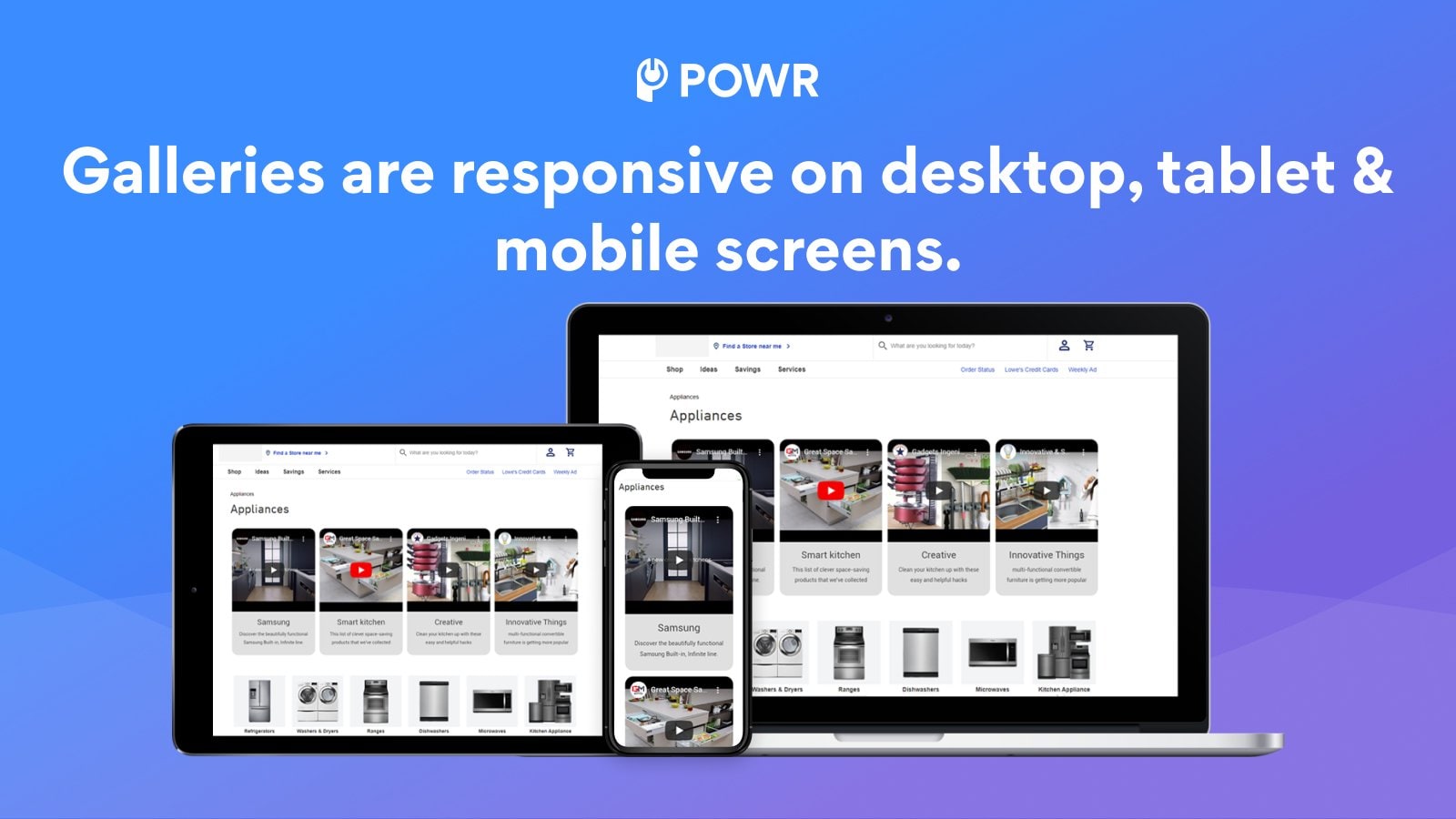
Content and layout: the listing supports YouTube, TikTok, and Vimeo content, with grid, collage, and other presentation options. Shortlist it when a collection of demonstrations or tutorials is the main feature.
Editing and mobile: playlist connections and automatic content updates reduce the need to assemble every item manually. Responsive display is listed; check playback and controls on a phone yourself.
Free-plan fit: the free tier supports a small video collection and a YouTube playlist connection. Video capacity, update frequency, and branding removal depend on the plan.
Skip it if… your main job is displaying still photographs, or you only need one product video that your theme already supports.

Write down the finished page you need before comparing plans: how many images, how many separate galleries, whether video is essential, and what happens when a visitor selects an image. A free plan is useful only if it covers that page, not just an empty test gallery.
Distinguish a larger-image overlay from a product hotspot. If a visitor should inspect craftsmanship, an enlarged photo may be enough. If they should choose pieces from an outfit, prioritize the product-selection flow. Do not pay for a shopping feature just to show a portfolio.
If you have not decided what the gallery should contain, browse these ways to use an image gallery before selecting a tool.
Build one representative page with your own content, then walk through it as a shopper:
Choose the smallest solution that passes those checks. If layout controls are your priority, explore XO Gallery and compare it with your shortlisted alternative using the same sample images.