Shopify jewelry themes: 8 free and paid options

Choosing a Shopify jewelry theme means checking whether shoppers can inspect a setting, understand a chain's scale, and select the right size or metal. This comparison helps you choose by budget, catalog, photography, and product options. Disclosure: xotiny makes Line, whose Charm preset is included alongside independent alternatives.
Short answer: Start with Dawn for a straightforward jewelry store, or Craft when your making process is central to the brand. Consider a paid theme when you can name a specific layout or shopping feature you need. Broadcast is worth comparing for merchandising tools; Galleria for a larger visual catalog. Changing themes alone is no guarantee of more sales.
We use four criteria throughout the comparison:
Features below come from official Theme Store listings checked on October 14, 2026. Catalog fit and reasons to skip are editorial judgments, not product-count limits. This is a comparison of documented features, not hands-on performance testing; developer claims about speed or conversion are not treated as measured results.
The retained storefront images are illustrations from the earlier article, not captures of today's releases. Use the linked listings and their demos to assess the current designs.
| Theme | Budget | Catalog fit to consider | Photo tools listed | Option tools listed | Main trade-off |
|---|---|---|---|---|---|
| Dawn | Free | Focused range; simple categories | Zoom, galleries, video | Swatches, product options | You supply the brand styling |
| Craft | Free | Artisan collections with a story | Zoom, galleries, video | Swatches, product options | Needs useful story content |
| Broadcast | Paid | Multiple collections and cross-sells | Zoom, galleries, hotspots | Swatches, product options | More features to configure |
| Line / Charm | Paid | Focused jewelry range or several collections | Zoom, galleries, hotspots | Swatches, product options | Verify bespoke ordering separately |
| Envy | Paid | Gift ranges and seasonal collections | Zoom, galleries, lookbooks | Swatches, product options | Promotional tools may be unnecessary |
| Galleria | Paid | Larger catalogs with strong imagery | Zoom, galleries, lookbooks | Swatches, product options | Needs a consistent image library |
| Cascade | Paid | Curated collections with editorial content | Zoom, galleries, lookbooks | Color swatches | Check the full size-selection flow |
| Expression | Paid | Several categories plus editorial content | Zoom, galleries, video | Swatches, product options | Requires content organization |
Dawn is our starting recommendation if your priority is showing products clearly without buying a theme. Craft is the alternative when workshop photos, materials, and your making process deserve more space. Both list image zoom, galleries, color swatches, and product filtering: paying is not a prerequisite for those basics.
Compare them using the same ring, necklace, and pair of earrings. If either presents those products clearly and supports your required buying journey, keep the theme budget for photography or setup. Move to a paid option when the trial demonstrates a useful difference for your store.
Free starting point for a product-focused store
Dawn's listing emphasizes large product imagery. It lists zoom, image galleries, videos, color swatches, product options, and filtering. That makes it a sensible baseline for a focused range, while its mega menu gives you another navigation option as categories grow.
Use a close-up to show a stone setting and an on-body image to show scale. Check ring sizes and metal choices on mobile before spending time on the homepage.
Skip it if your required editorial layout would need substantial custom work and a paid theme already provides that layout. Do not reject it simply because it is free.
Free option for an artisan collection
Craft pairs generous spacing with sections intended for brand storytelling. Its listed zoom, galleries, product options, swatches, and filtering cover the same core jewelry checks as Dawn.
Consider it for a small collection supported by workshop photography and useful explanations of materials. Compare a detailed ring photo with your longest making-process paragraph: both need to remain easy to follow on a phone.
Skip it if you have little story content and mainly want shoppers to scan a straightforward product grid. Dawn is the more direct starting comparison in that case.
Paid option for merchandising across collections
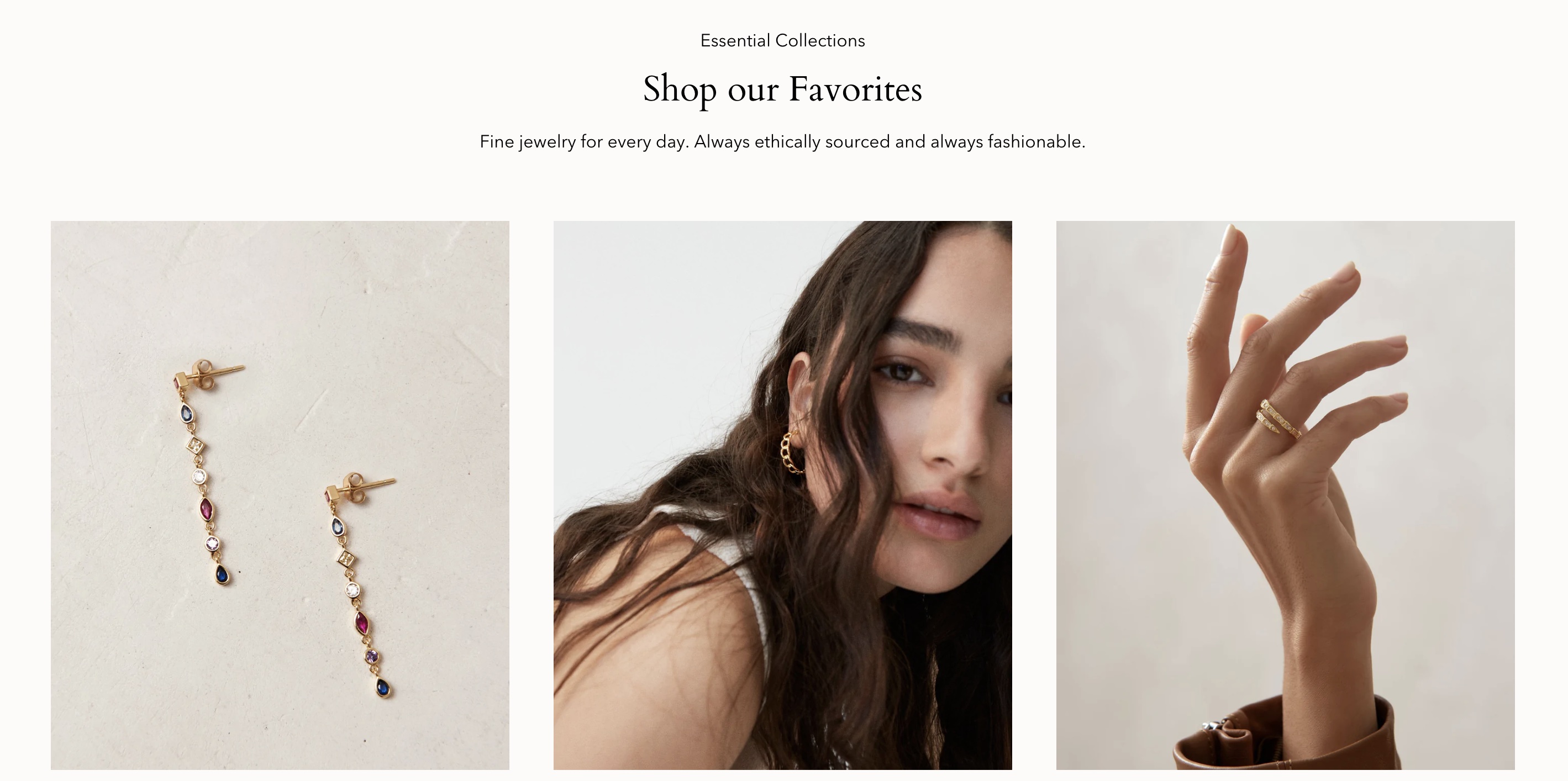
Broadcast lists cross-selling, quick buy, a sticky cart, and collection navigation. Galleries, zoom, hotspots, swatches, and product options make it a candidate for a catalog with coordinated pieces and several collections.
Its appeal is the documented merchandising toolkit. Check whether quick buy makes size selection clear, and whether a close-up remains accessible beside your product details. Its sales-focused marketing is not evidence of a conversion gain for your store.
Skip it if you only need a gallery, description, and straightforward selector. Trial a free theme before paying for tools you will leave unused.
Charm preset for jewelry and accessories
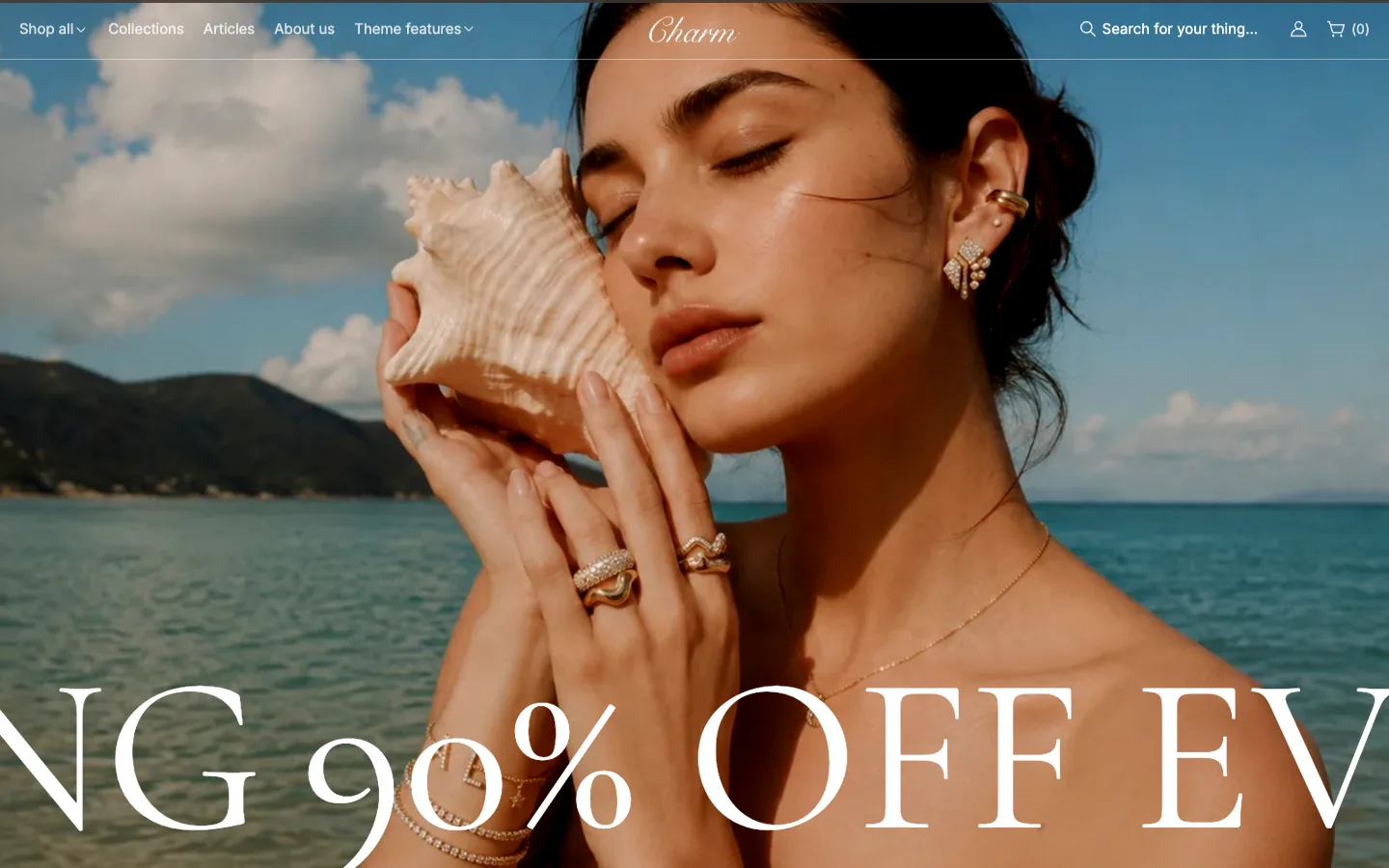
Charm is Line's jewelry preset. Its listing includes image zoom, galleries, hotspots, product tabs, a size chart, swatches, and product options. Collection navigation and filtering make it worth considering beyond a single collection.
Compare it for a restrained presentation of close-ups, materials, and sizing information. Put your own ring and chain options into the trial; the preset's jewelry styling does not establish support for engraving or a custom stone configurator.
Skip it if a free theme already meets your layout needs, or bespoke ordering is essential and you have not verified that workflow. Treat the listing's speed claims as marketing, not a benchmark.
Paid option for gifts and seasonal collections
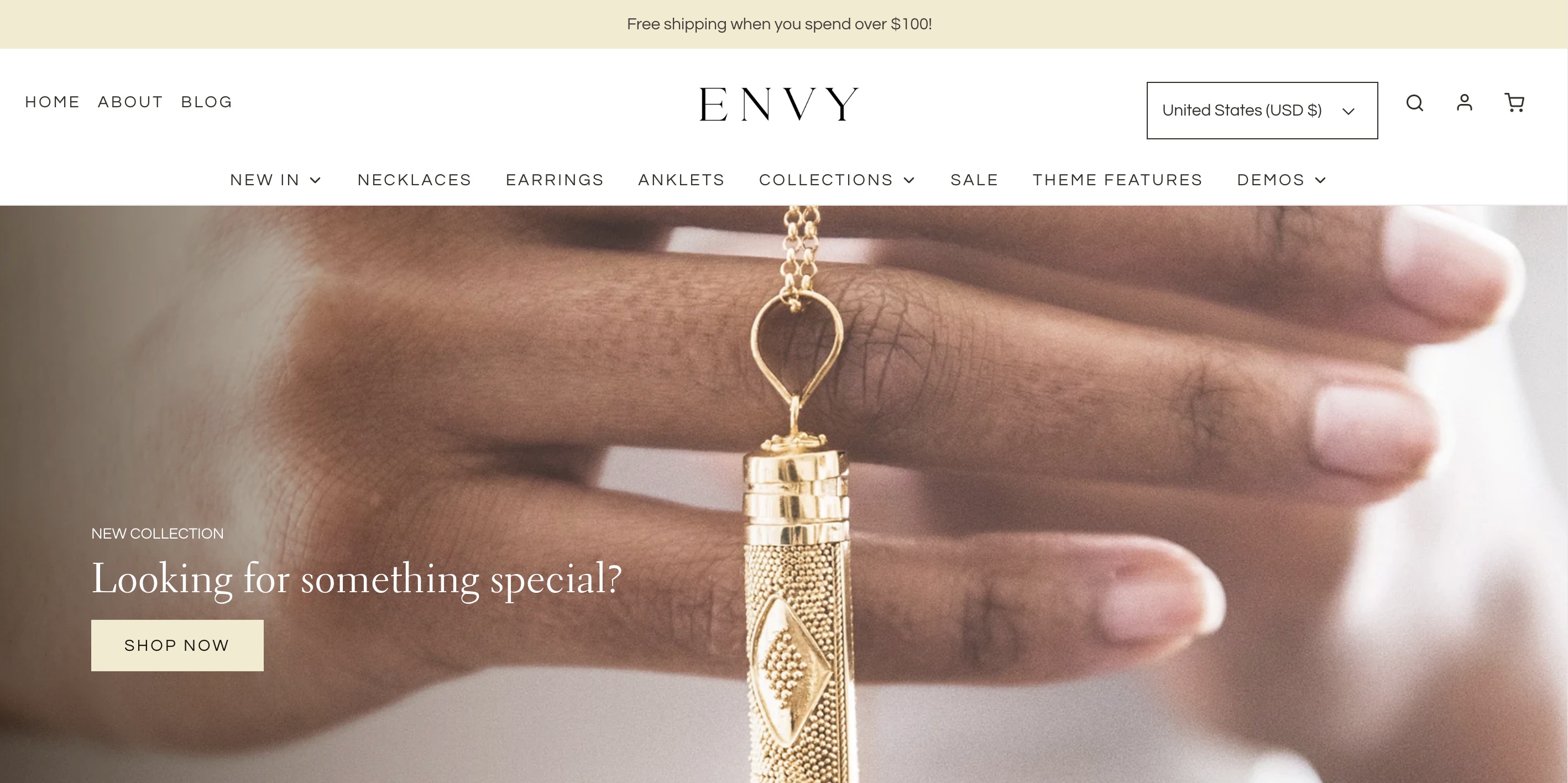
Envy lists gift wrapping, pre-order, promotional banners, and lookbooks. Zoom, galleries, swatches, product options, and filtering support the comparison's core requirements.
Consider it for gift collections or launches where those tools have a defined role. Use close-ups alongside gift imagery, and check that shoppers can select sizes without being distracted by promotions. The current main preset targets apparel, so inspect its available designs rather than relying on the older jewelry image.
Skip it if you want a quiet catalog and have no use for gifting or campaign features. Those extras alone are not a reason to pay.
Paid option for a larger visual catalog
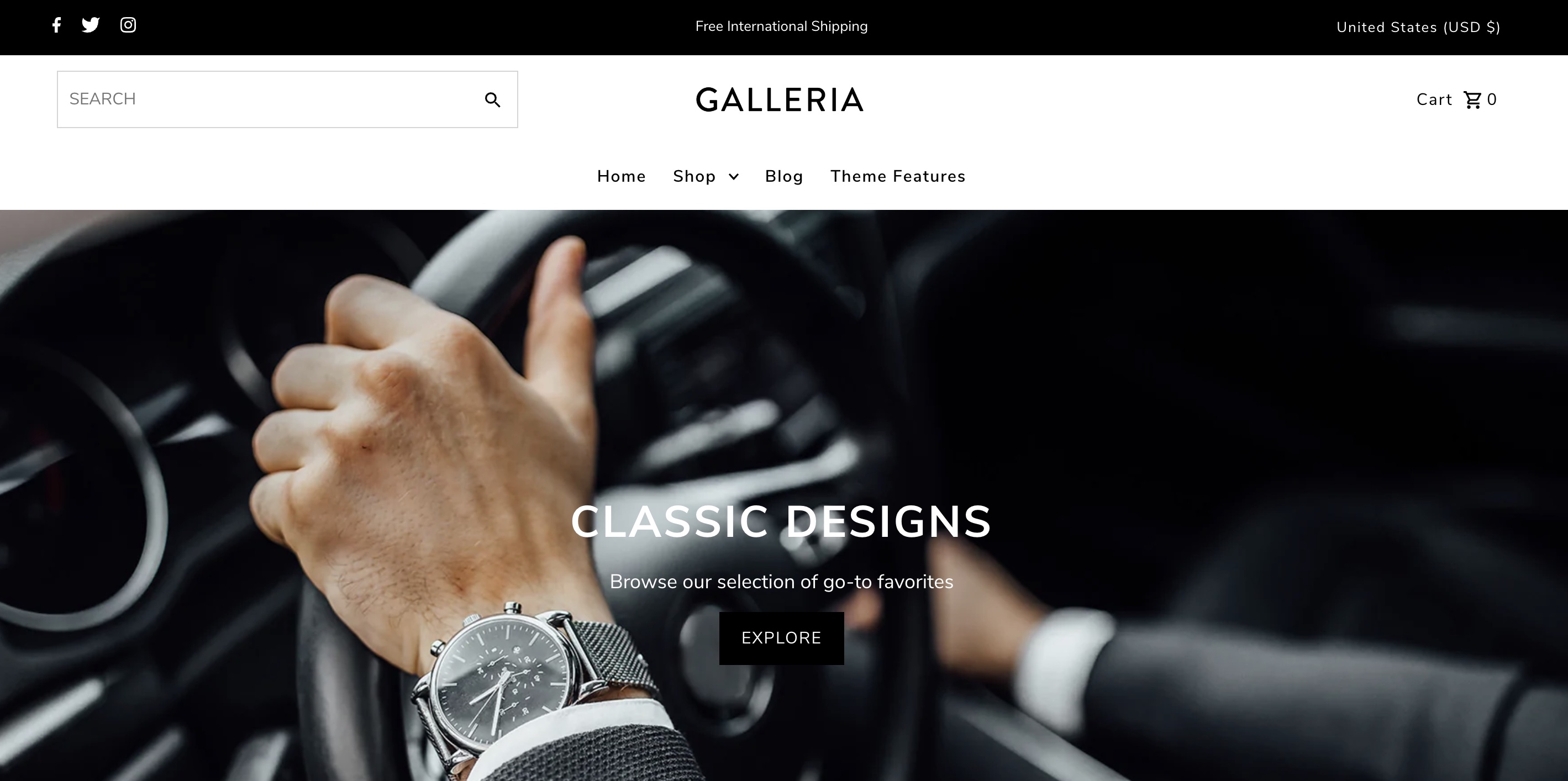
Galleria is explicitly positioned for large inventories. It lists a mega menu, collection navigation, filtering, galleries, lookbooks, and zoom, alongside swatches and product options.
Consider it when watches, bracelets, necklaces, and rings need distinct browsing paths. Test both a full collection and your sparsest category; check how close-ups and option selectors work with your product data.
Skip it if you have a tiny range and few usable images. A layout suited to a broad visual catalog may demand content you do not yet have.
Paid option for an editorial collection
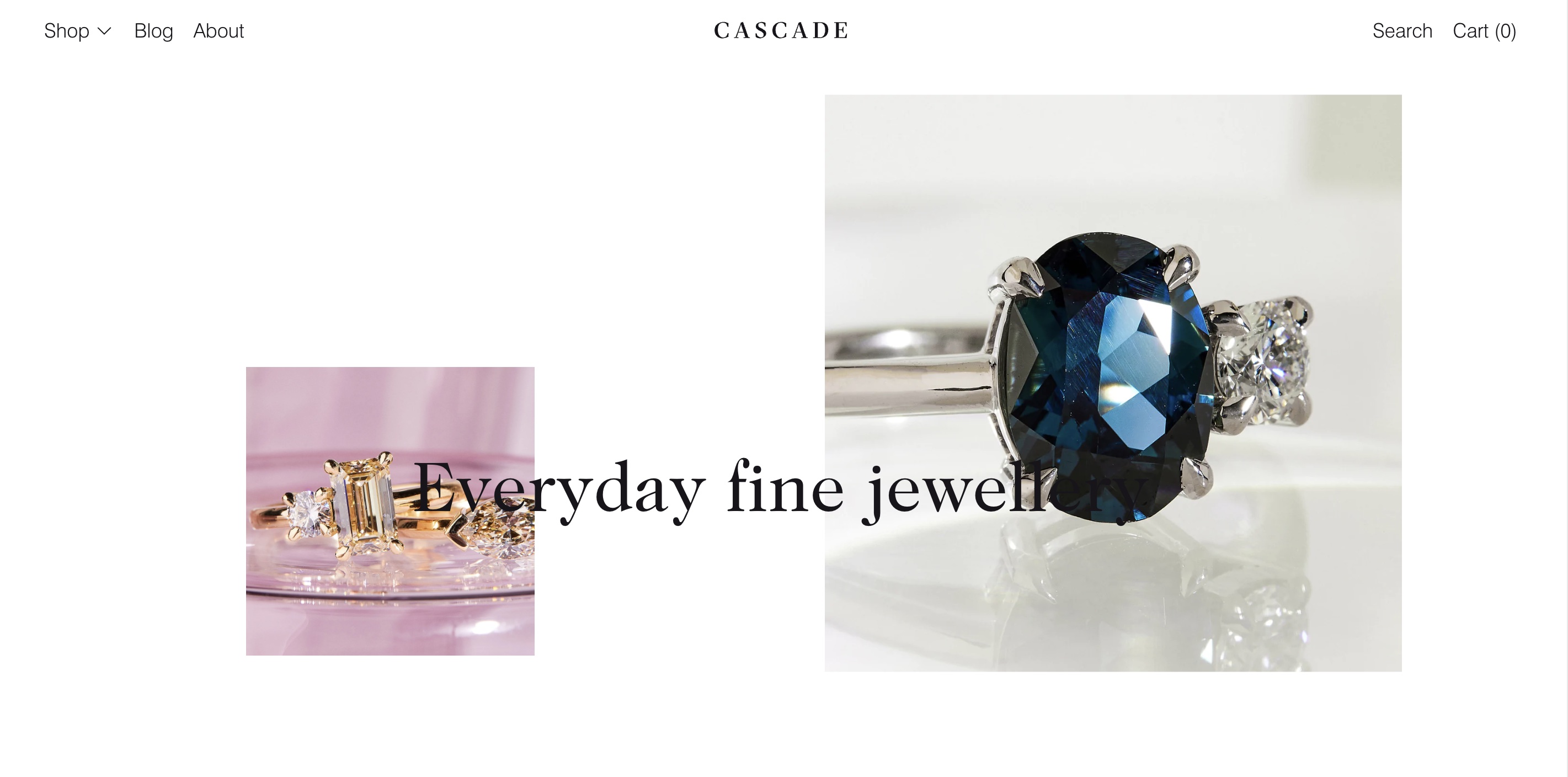
Cascade emphasizes flowing layouts and text-friendly templates. Its listing includes lookbooks, galleries, zoom, swatches, size charts, and filtering.
Consider it for a curated collection with strong close-ups and an editorial story. Give its browsing layout the same scrutiny as its homepage: try finding one specific ring, selecting its size, and opening the sizing information.
Skip it if your priority is a dense, conventional catalog grid, or the trial's option controls do not suit your products. A distinctive layout is useful only when your customers can navigate it.
Paid option for collections alongside brand content
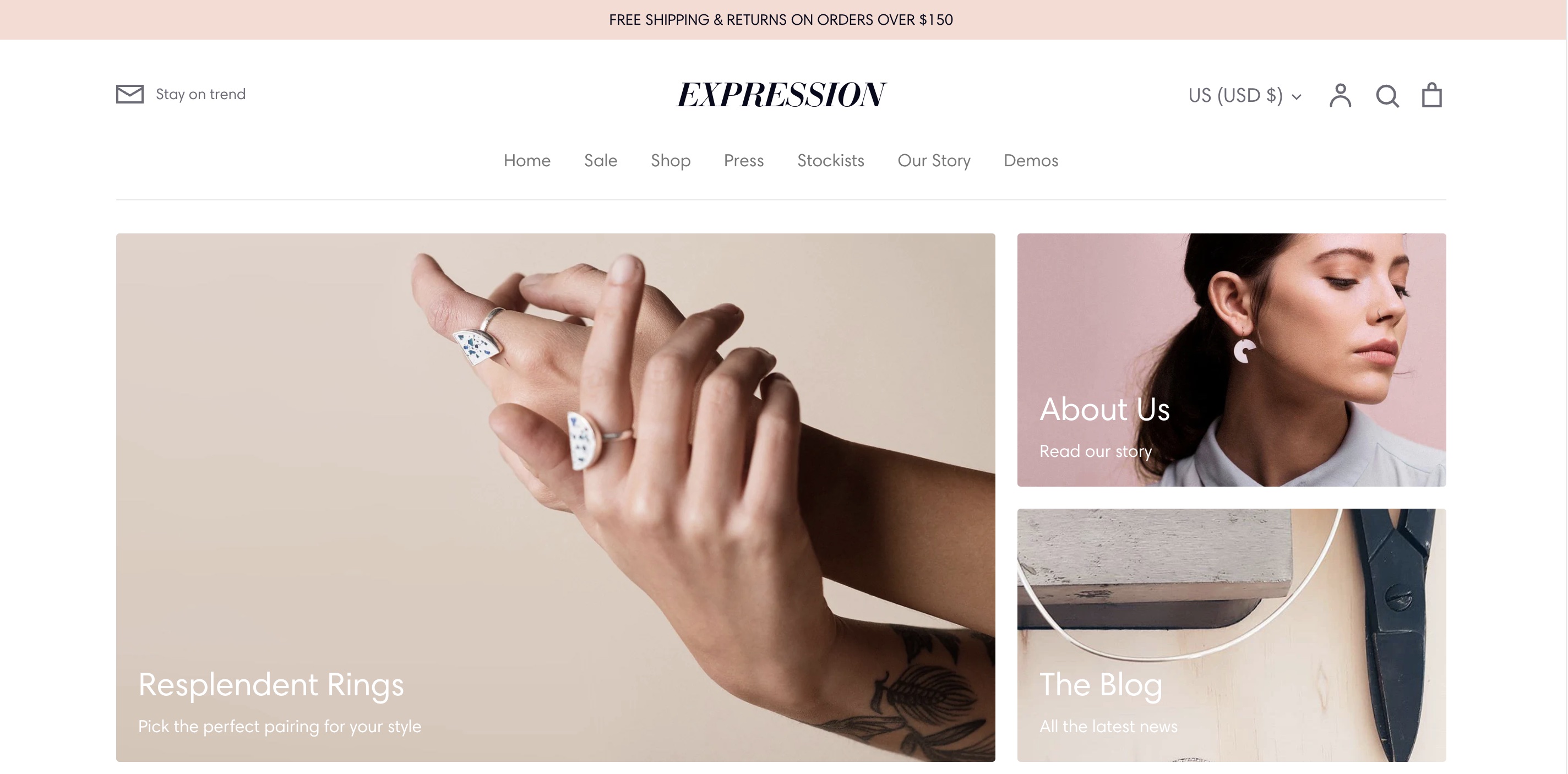
Expression lists a customizable sidebar, mini collection cards, and image-and-text columns. Zoom, galleries, product options, swatches, and filtering give it a practical basis for several categories alongside editorial material.
Compare it when collection browsing and stories both matter. Preview your close-ups and longest size labels, then check whether the sidebar and content tiles help shoppers find products.
Skip it if you want a sparse storefront with little ongoing editorial content. Decide what belongs in those areas before committing to the layout.
Shopify lets you preview and customize a paid theme before purchasing. Use the same products in each trial so the comparison reflects your catalog.
Start with the free option that covers your essentials, then compare one paid candidate against a specific unmet need. If Charm fits your shortlist, open its demo from the Theme Store listing and work through those same checks.